Contacts
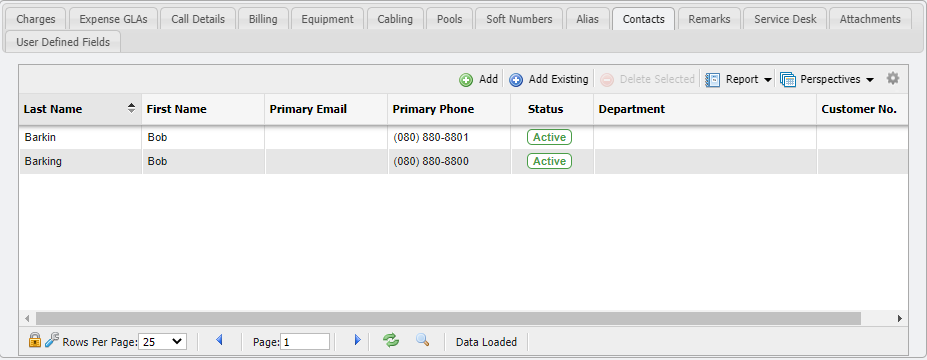
The Contacts tab provides the User the ability to manually associate Contacts with each Service. These associated Contacts represent people who may be associated with the Service in some way. These Contacts are separate entries in the Workers/Contacts section of the application that are associated with the Service for tracking purposes. This association can be built manually or via Service Order Contacts on Service Desk.
The User can manually manage these associations by using the Add, Add Existing, and Delete Selected functionality available on the Services Contacts tab.
Adding New Contacts
After clicking on the 
Adding Existing Contacts
After clicking the 
Deleting an Association
Selecting