
Cabling
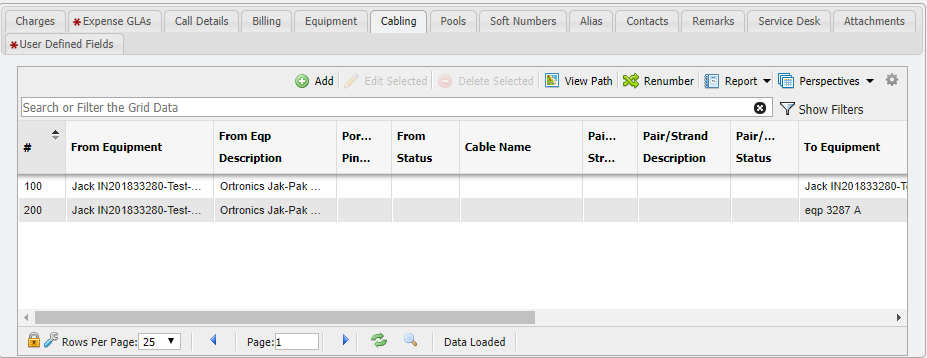
The Cabling tab allows Users to manually add, change, remove, and view Cable Paths. These Paths can also be built from Service Order Cabling on Service Desk.
Adding a Cable Path
To manually add a Cable Path to a Service, the User adds the Path Legs to the Cabling Grid. These legs form the Cable Path for each service. Once added to the Service, the Pairs/Strands and Ports/Pins/Len become Assigned.
Editing/Removing a Cable Path
To change a Cable Path for a Service, the User can edit and assign new Path Legs to the Service into the Cabling Grid.
Viewing the Path
The 