
To Request a New Feature, follow these steps:
-
On the Suggest a New Feature form at help.pcr.com, enter the following information.
-
Enter a Summary of the work needed. This is a required field.
-
For example, "Can we add the Attachments tab to GLA Catalogs?"

Example of the Summary field on the Suggest a New Feature form
-
-
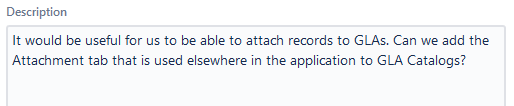
Enter a Description of the requested feature. This is a required field. Include any relevant details, including what the application does currently and what the requested feature might do.
-
For example: "It would be useful for us to be able to attach records to GLAs. Can we add the Attachment tab that is used elsewhere in the application to GLA Catalogs?"
-
-
Enter any additional information into the remaining optional fields:
-
Impact
-
Any Attachments that might be helpful, including screenshots of the application or mockups of the requested feature that might be helpful.
-
-
Click the

The Usability Request will be submitted to the PCR Usability team to examine the requested feature.