
Create a Quick Tick
There are two ways to create a Quick Tick.
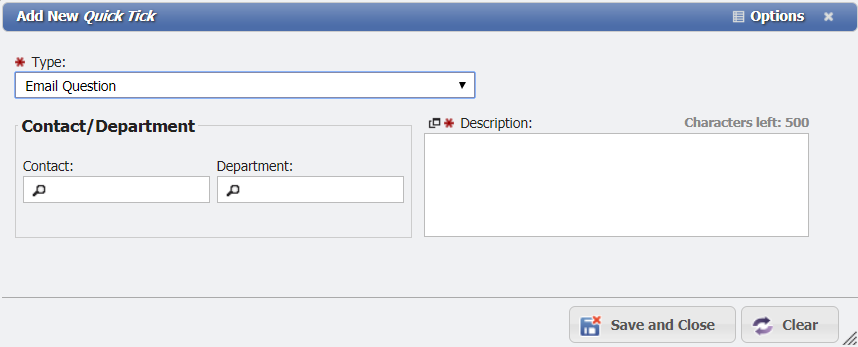
-
Click the

-
Choose the 'Type'

-
Enter information into any required fields.
-
Click the
-
-
Navigate to Main > Service Desk > Quick Tick.
-
Click the

-
Enter information into any required fields.
-
Click the
-