
The following Service Host Types may be used to interact with external REST APIs:
-
Generic Rest API - Makes generic calls to an API Endpoiint with optional Basic HTTP Authentication
-
Generic Token Rest API - Makes calls to an API Endpoint with Generic Token-Based Authentication
-
JSON Web Token REST API - Makes calls to an API Endpoint with JSON WEB Token-Based Authentication
For information about using Service Hosts to alert an external service about Notifications and Escalations within PCR-360, please visit our wiki article on Setting Up Escalations To Utilize The Service Host.
Generic Rest API
-
Appropriate for API endpoints that do not require authentication
-
Appropriate for API endpoints that use HTTP Basic Authentication
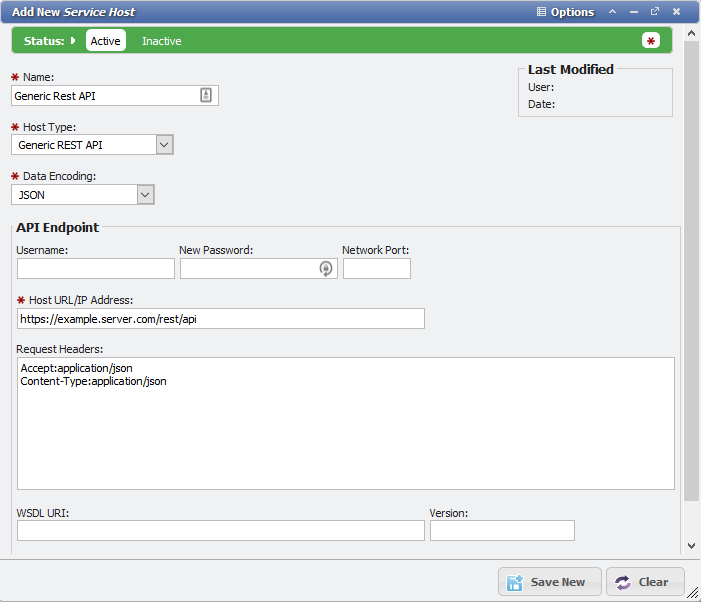
Add New Service Host
Generic Token Rest API
-
Appropriate for API endpoints that use a general token authentication
-
Appropriate for API endpoints where the token do not need to be decoded or read
-
Able to authenticate the token via the Request Header and/or the Request Body. This is done automatically on the back end with no special configuration needed.
-
Allows user to specify the key/value of the header/body username and password values in the Login Headers Field
-
Each key needs to be on a new line follow by the appropriate variable to fill in when the request is created
-
##USERNAME## will be replaced with the the username given on the Service Host Form
-
##PASSWORD## will be replaced with the the username given on the Service Host Form
-
-
For example: If the API needs to Authenticate with the headers X-Username and X-Password, those fields would look like this in the Login Headers
X-Username: ##USERNAME##
X-Password: ##PASSWORD##
-
-
Allows specification of a custom token name
-
The token line should be on its own line
-
Needs to specify the key name followed by the token variable, ##TOKEN## will be replaced with the token after authentication and used for future requests until the token expires.
-
For example, If the API needs a token called X-Access-Token, the token line would look like this:
X-Access-Token: ##TOKEN##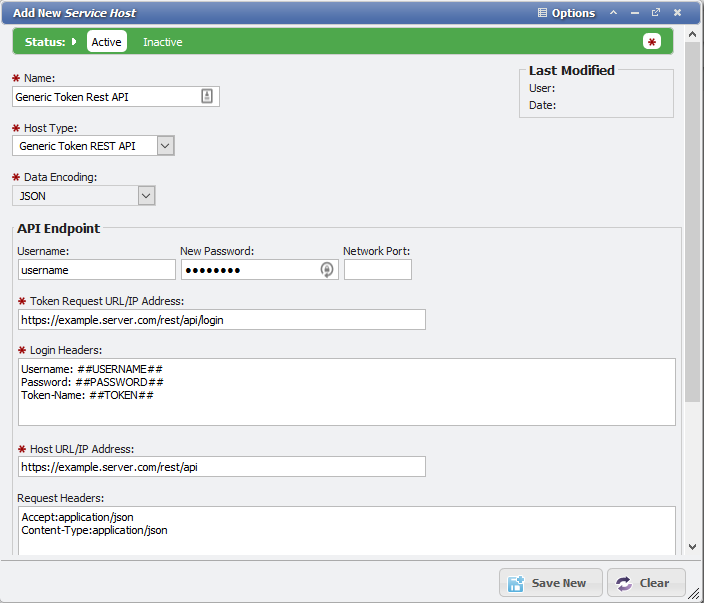
Add New Service Host
-
JSON Web Token REST API
-
At the surface, this type works exactly like the Generic Token REST API
-
The only difference is that it supports JSON Web Token protocol on the back end: https://datatracker.ietf.org/doc/rfc7519/
-
This Service Host Type is appropriate for APIs that Use JSON Web Tokens, such as TimeDynamix
-
Service Host authentication will allow connections to servers using self-signed certificates constants.
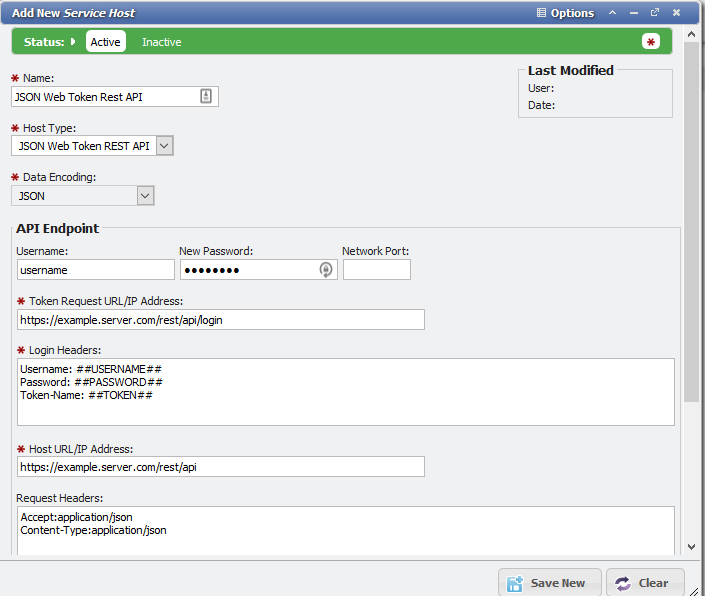
Add New Service Host