
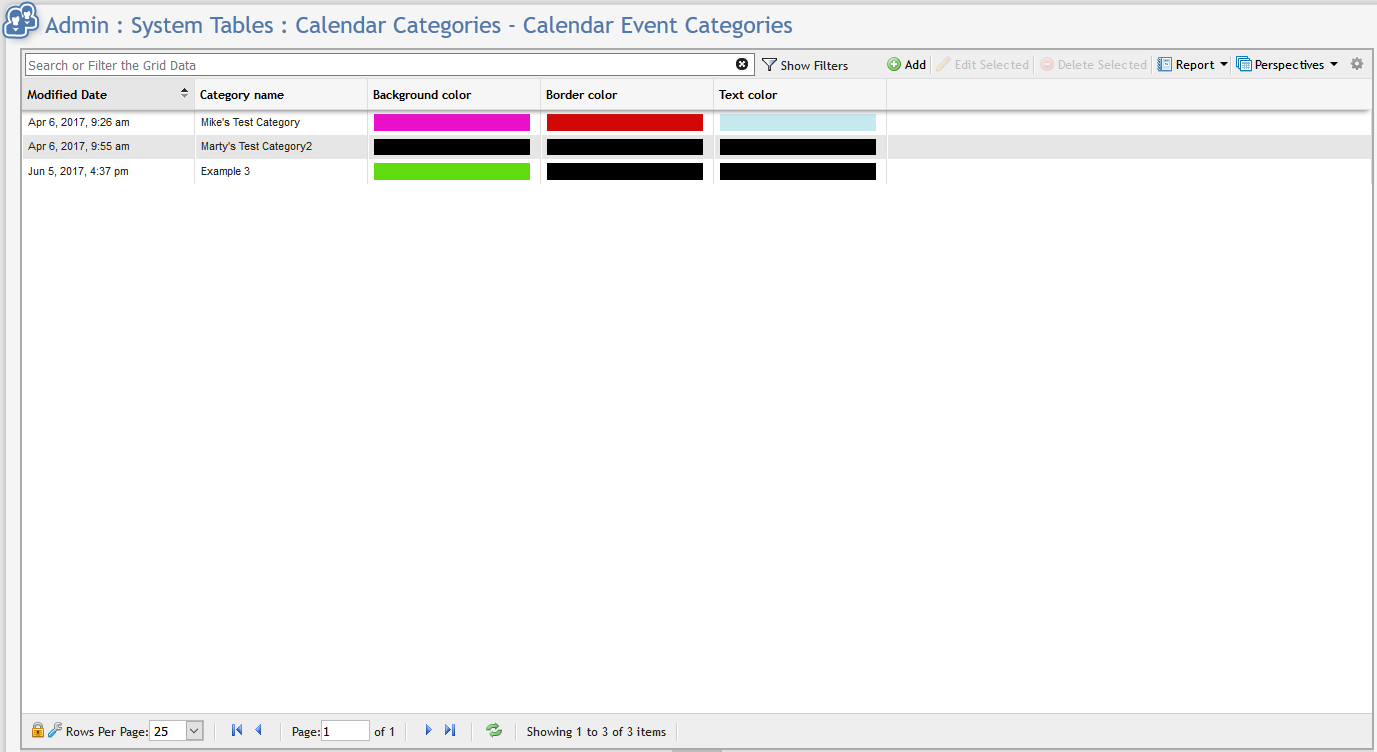
In order to add a new Calendar Category navigate to Admin > System Tables > Calendar Categories and click the 
![Add_new_calendar_event_category_form[1].png](/__attachments/a_ef1230f07524d6f4925723be4b84c1f5c238475528936a91a42a4fcd005811f1/Add_new_calendar_event_category_form%5B1%5D.png?cb=1e619c1a45172be17e72084e4dceade8)
The User will need to specify the Name, and colors of the Category. All four of these fields are Required fields. The name is what will appear in the Category drop down on the 'Add New Appointment/Event' form. The combination of the colors must be unique and cannot be repeated.