
Original Inquiry
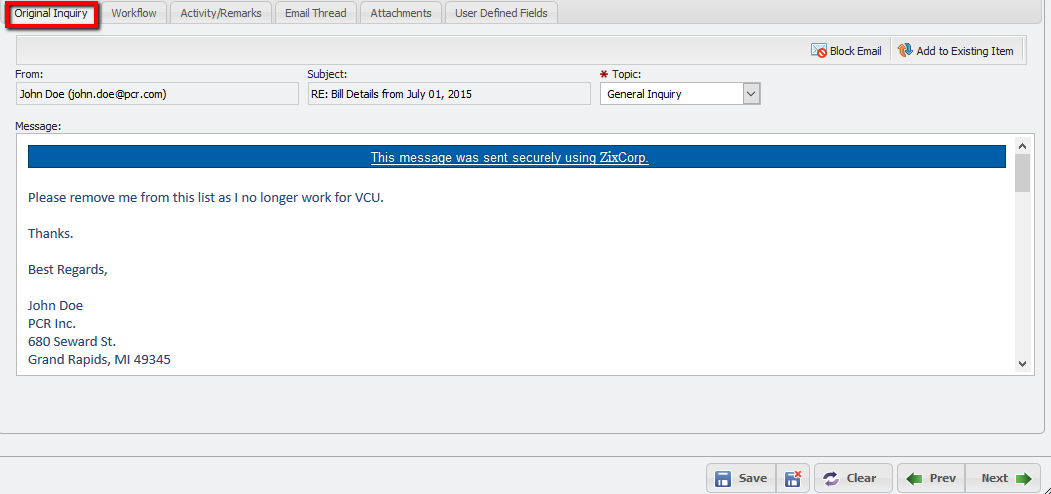
The 'Original Inquiry' tab shows the contents of a Request in the form that it first hits the PCR-360 application. This can be useful for reviewing the Request at a later date. From here, the User can choose to either Block Email or Add to Existing Item.
The 
The 
-
Click the 'Add to Existing Item' button.
-
This opens the 'Convert to Thread' form.
-
Click the Picker which opens the list of Inquiry's to select.
-
Select the Inquiry desired and click the

-
Click the

-
This deletes the current Inquiry and create a new thread response in the Inquiry selected in step 4.
The association is created and accessible on the Grid.
For information on recommended practices for Emails, please see: Best Practices for Emails and Inquiries.