
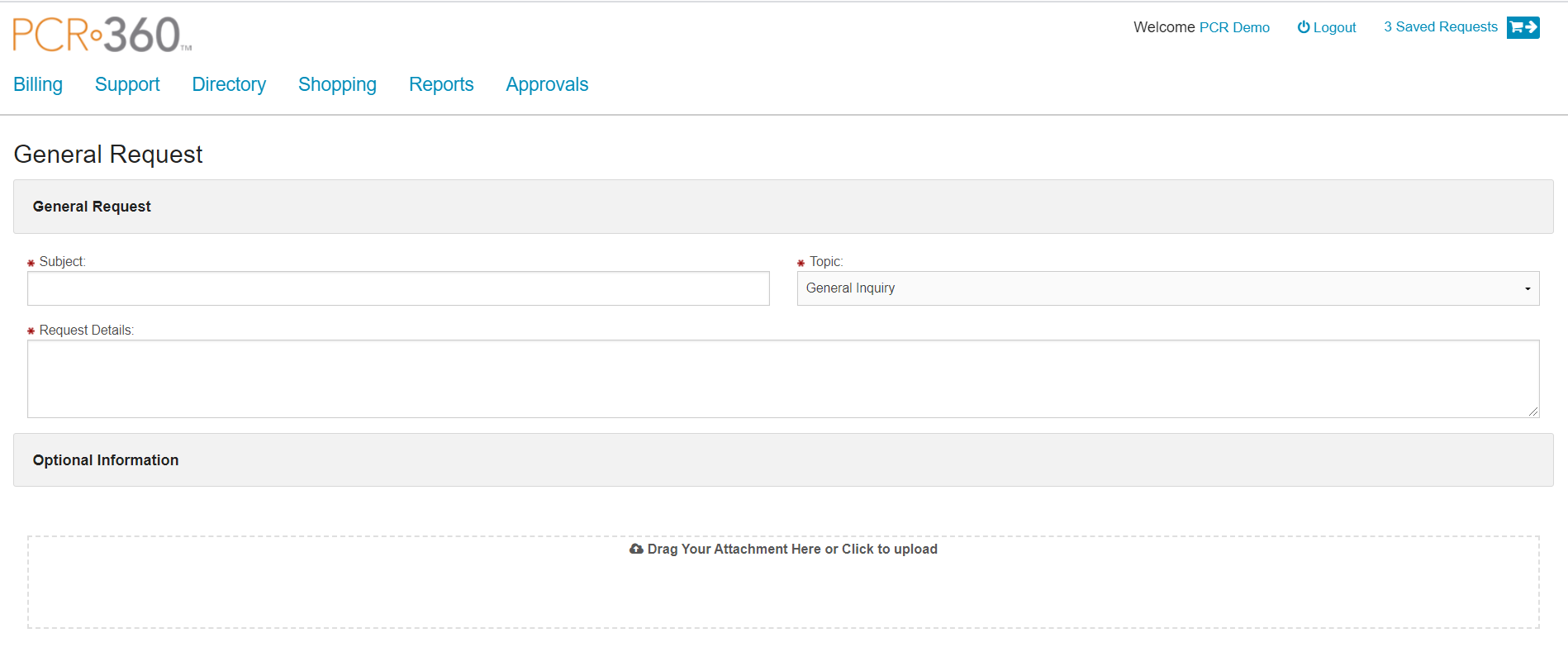
Sometimes a Customer may have a need to submit a generic request for support. This could be because the Customer doesn't know how to utilize the CustomerCenter to get the Service needed, or maybe the Customer has a Request that is not otherwise available in CustomerCenter. This can be handled with the General Request page in CustomerCenter.
Fields
-
Subject - The Subject is a required field that transfers into the Subject field of the Original Inquiry tab of the Inquiry.
-
Topic - The Topic is a required field that transfers into the Topic field of the Original Inquiry tab of the Inquiry.
-
Request Details - The Request Details is a required field that transfers to the Message section of the Original Inquiry tab of the Inquiry.
-
Attachments - Attachments can be added to the General Request in the attachments field, which is optional.
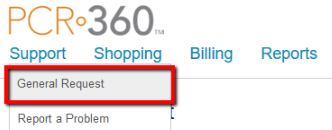
To start a 'General Request' in the CustomerCenter menu navigate to Support > General Request.
-
Enter a Subject into the Subject field.
-
Select a Topic from the drop-down.
-
Enter the details of the request including as much relevant information necessary into the Request Details field.
-
If there are Attachments that should be included those can be added with the

-
When all the required fields have data, the User can click the

-
This will submit an Inquiry to the back end of PCR-360.
-
-
The General Request will submit and there will be a confirmation displayed at the top of the page.
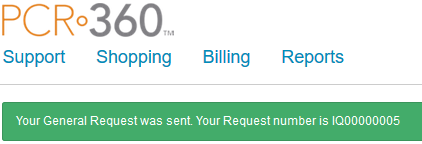
Request was Sent confirmation message example
From there the Request will be able to be processed by the Service Rep as appropriate.