
Create a New Owner/Customer:
Navigate to Main > People > Workers / Contacts.
-
Click the

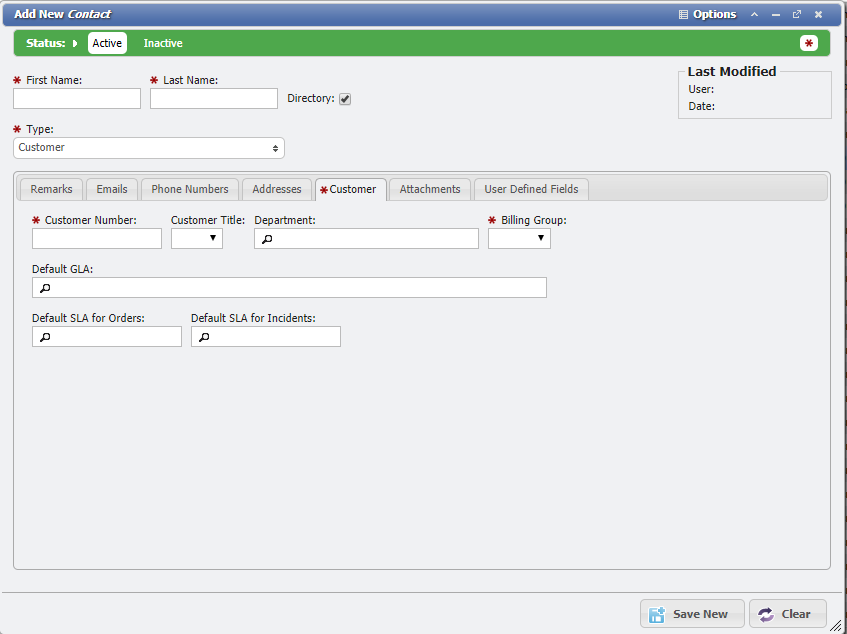
Add New Contact form example -
Enter the Owner's 'First Name' and 'Last Name' into their respective fields.
-
Make sure "Customer" is populated on the 'Type' selection box.

Type Field example
-
Go to the

-
Enter a unique customer number. Most organizations have a unique employee number of some kind and use that as the unique identifier in PCR-360. If the number isn't available at this time we recommend, designing a temporary naming convention. For example, they might all start with 5000 (an example unique number). This way, it is easy to go back at a later date and find all the Customer numbers that need to be updated to their current/valid value.
-
Choose the appropriate 'Billing Group' for this customer.

Billing Group field example -
Click the