
Functionality Across Cisco Interface Grids
All grids that are present in the Cisco Interface with PCR-360 allow for:
-
Selecting the Call Manager with the
-
Add new records with the

Note: the 'Gateway' grid can not add new records.
-
Update existing records with the

-
Remove existing records with the
Note: the 'Gateway' grid can not add new records.
The 'Cisco Audit Log' can only view records of when updates were made.
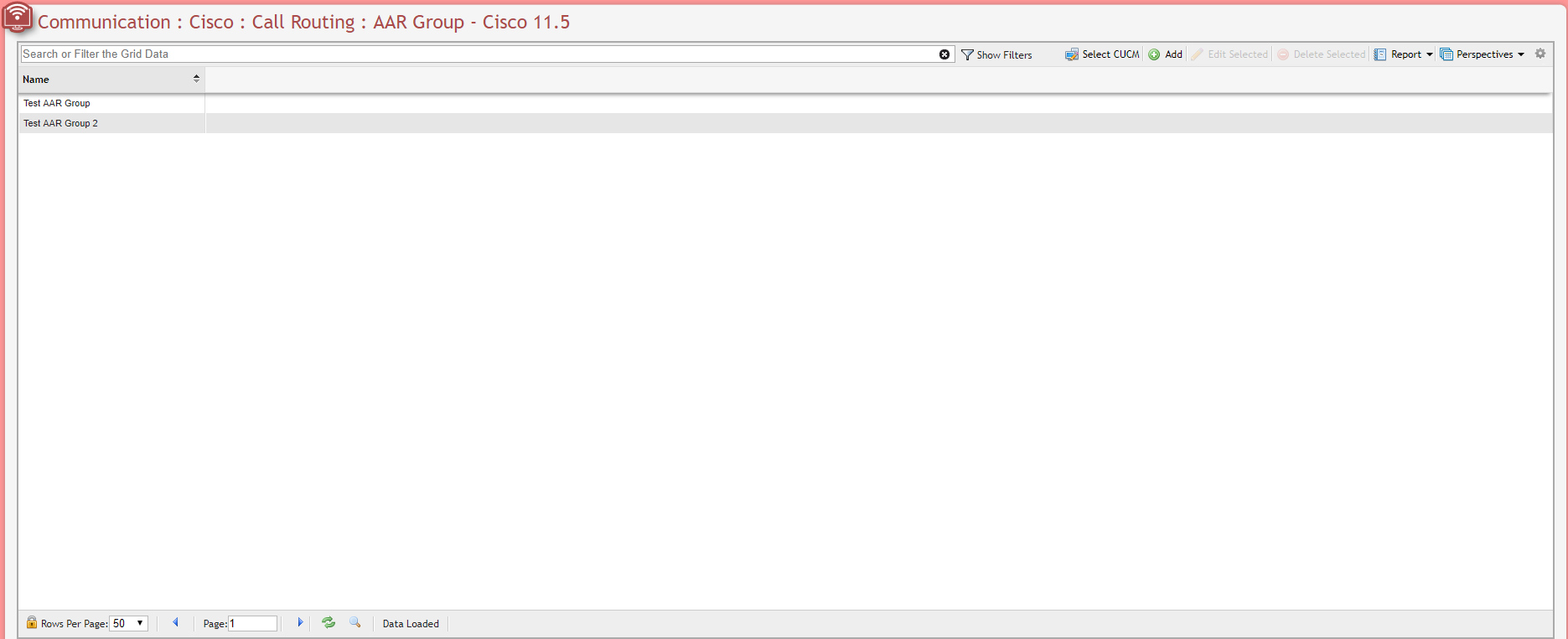
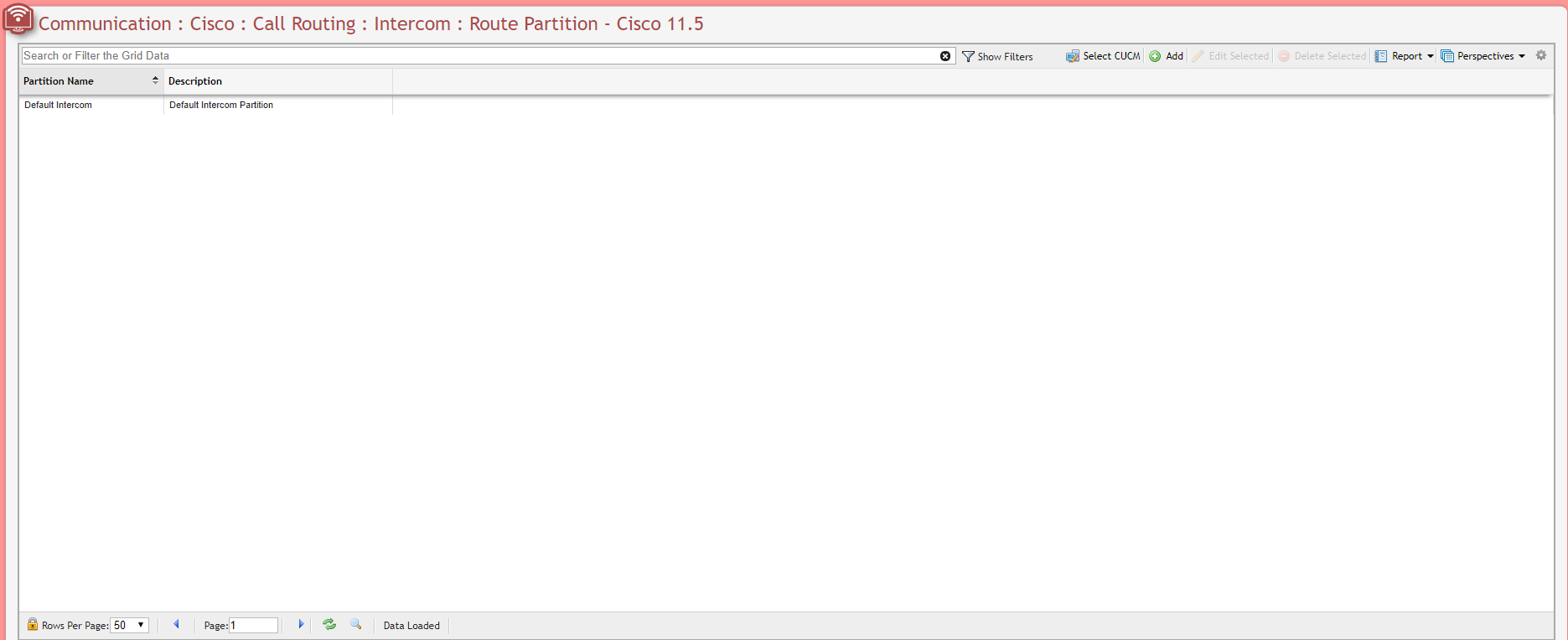
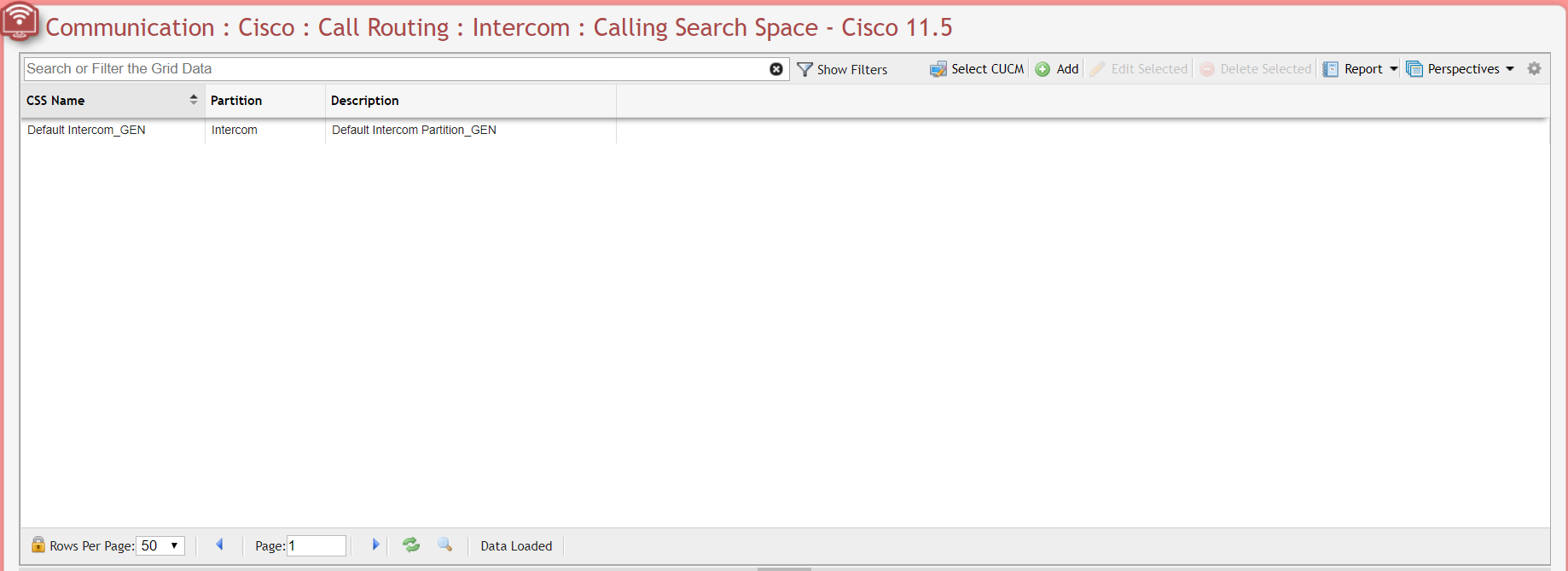
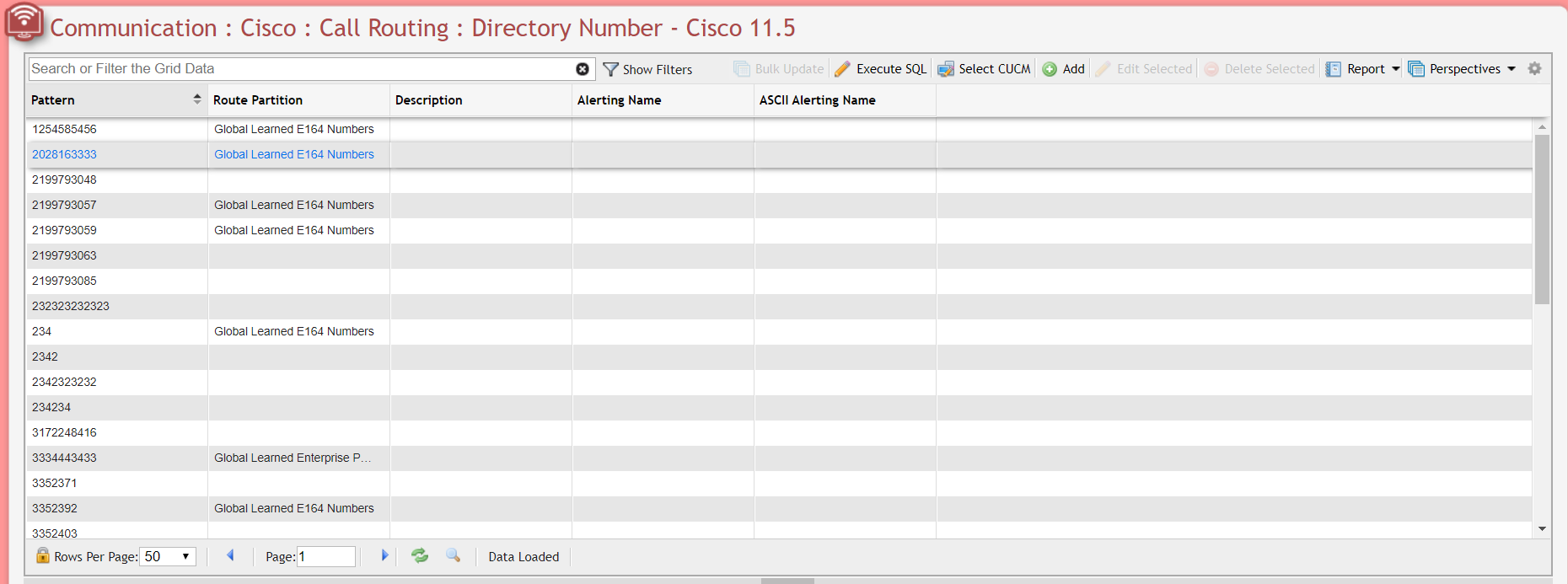
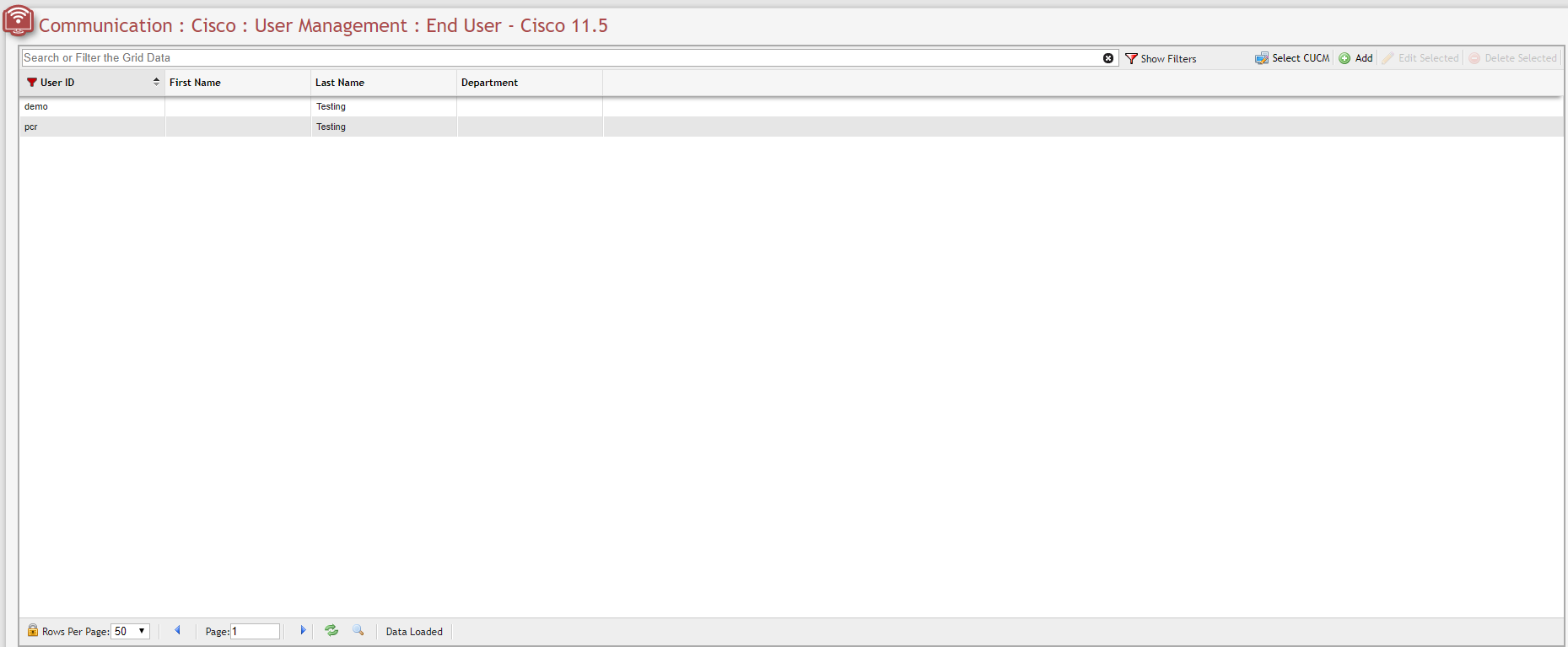
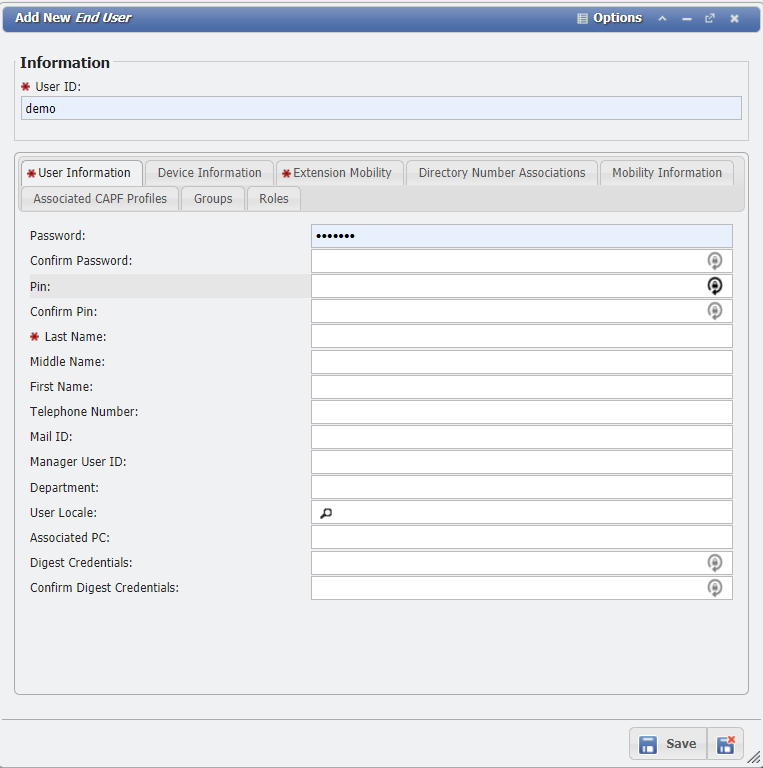
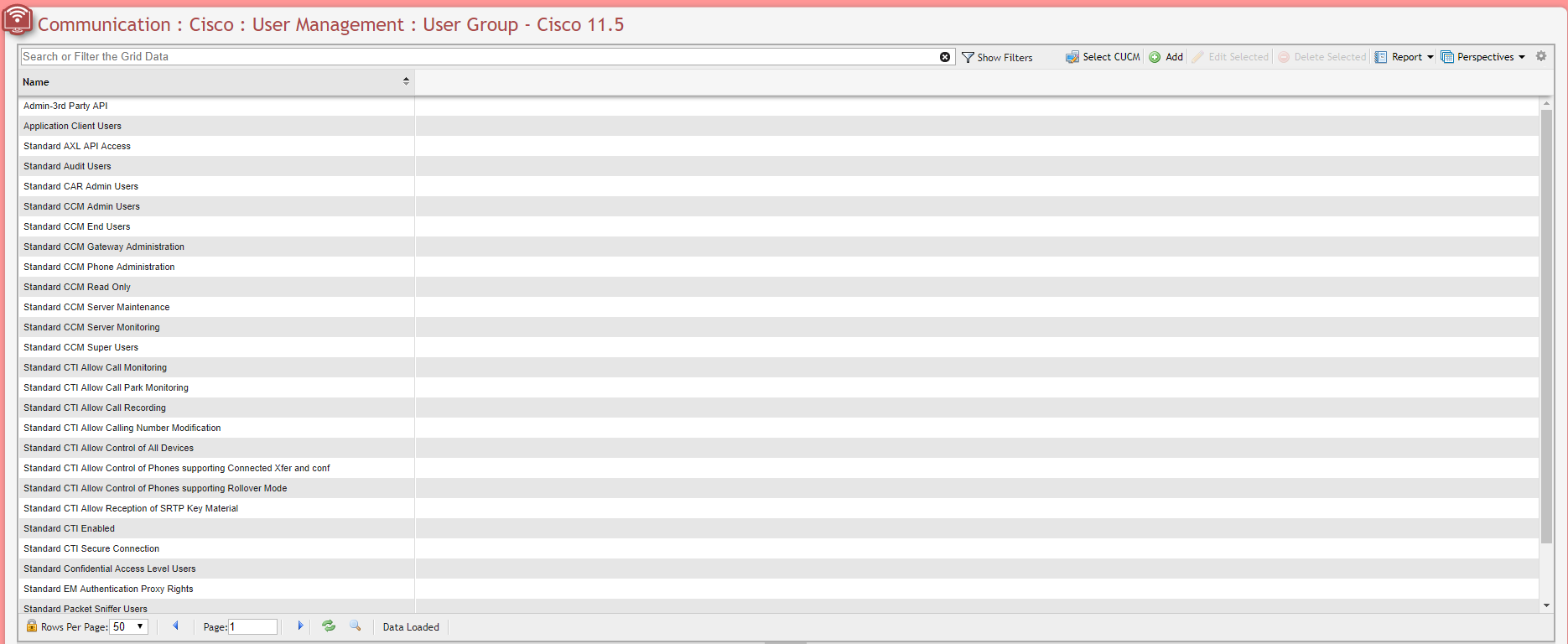
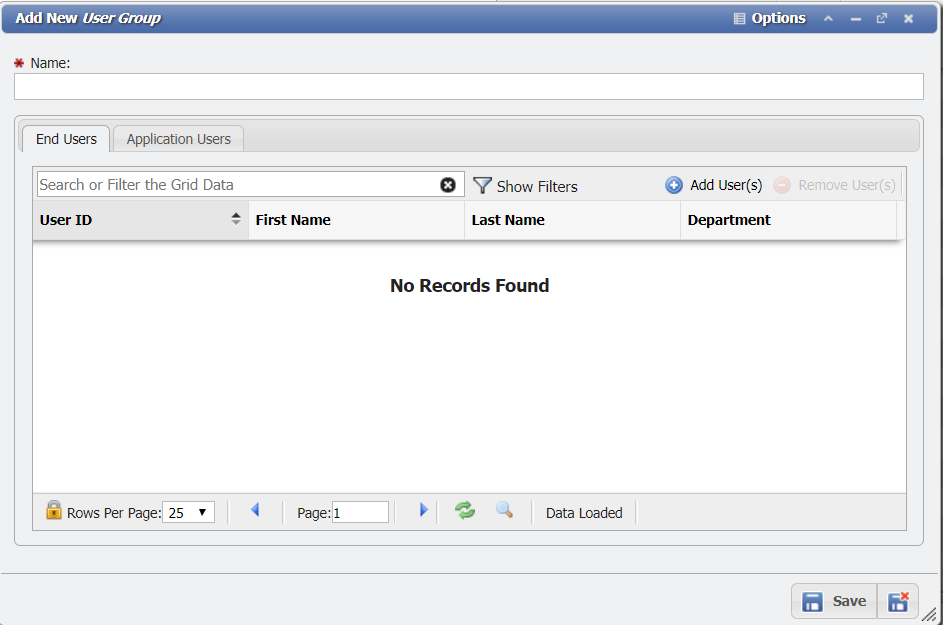
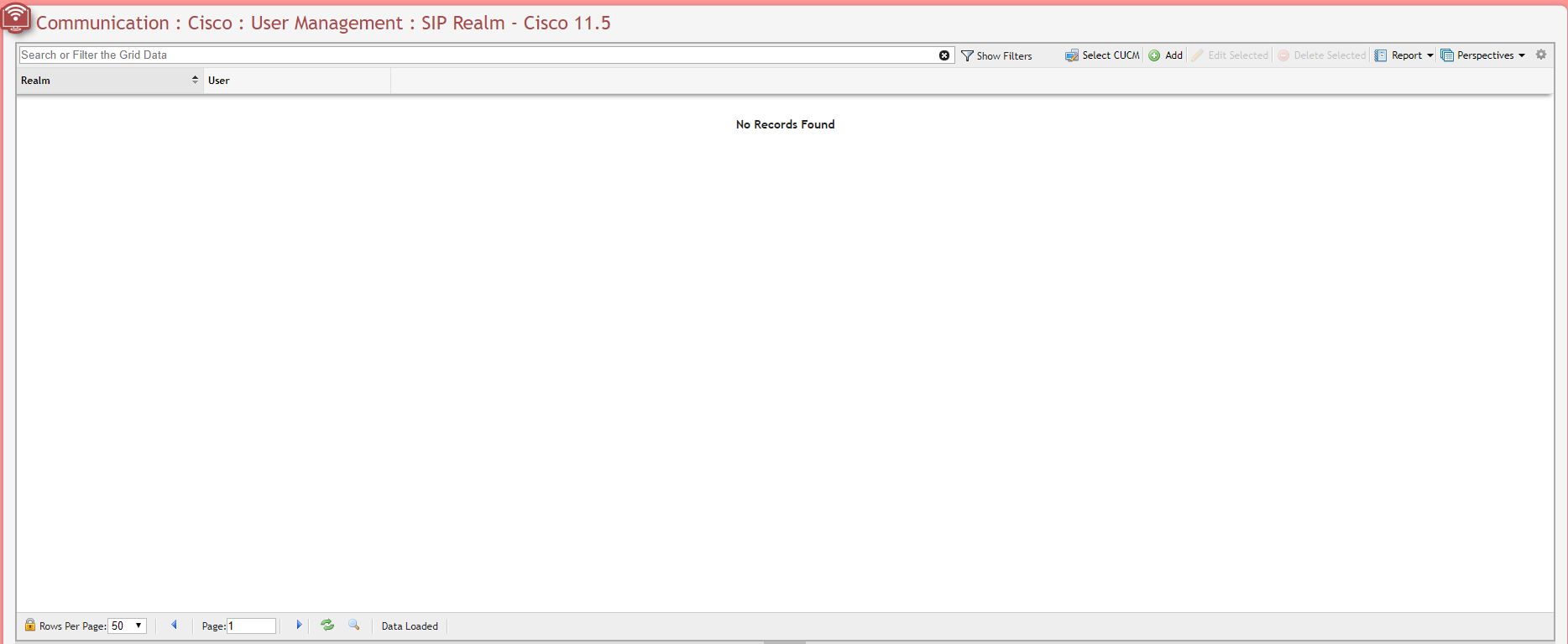
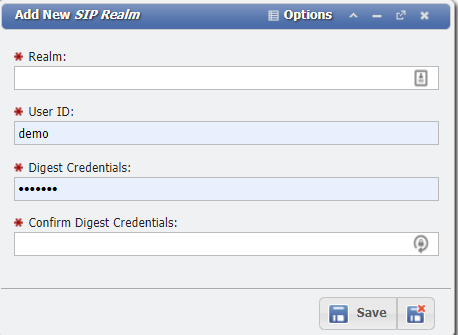
This interface module emulates what is already available on the Call Manager. As such much of this Article will just provide an example of what the Grids and Forms look like.
System
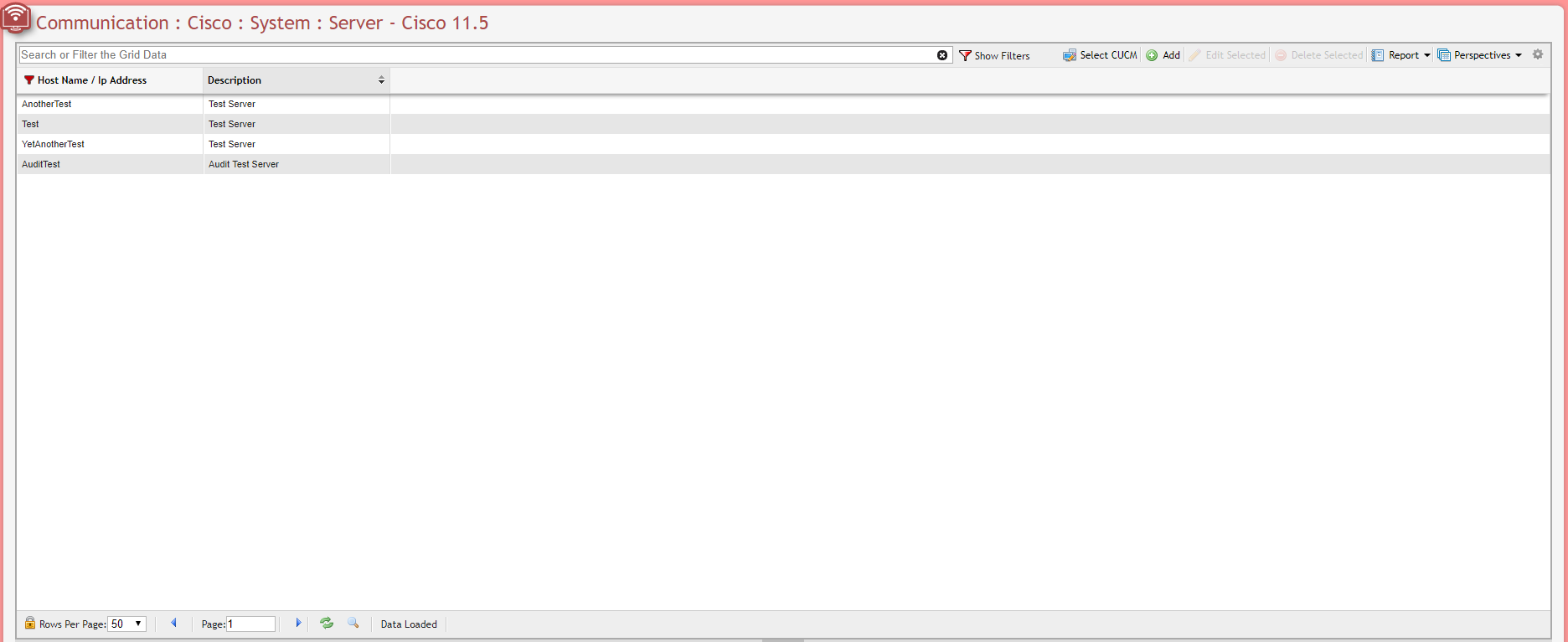
Server
Unknown Attachment
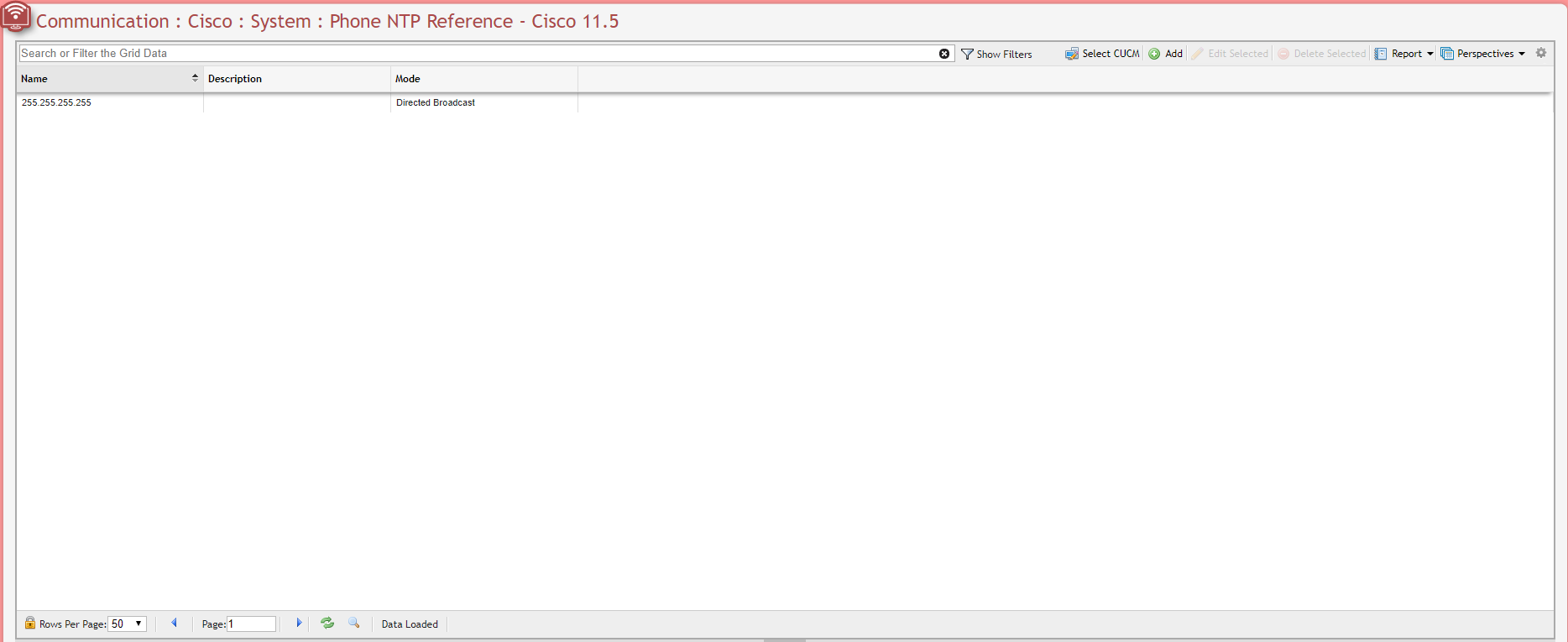
Phone NTP Reference
Unknown Attachment
Physical Location
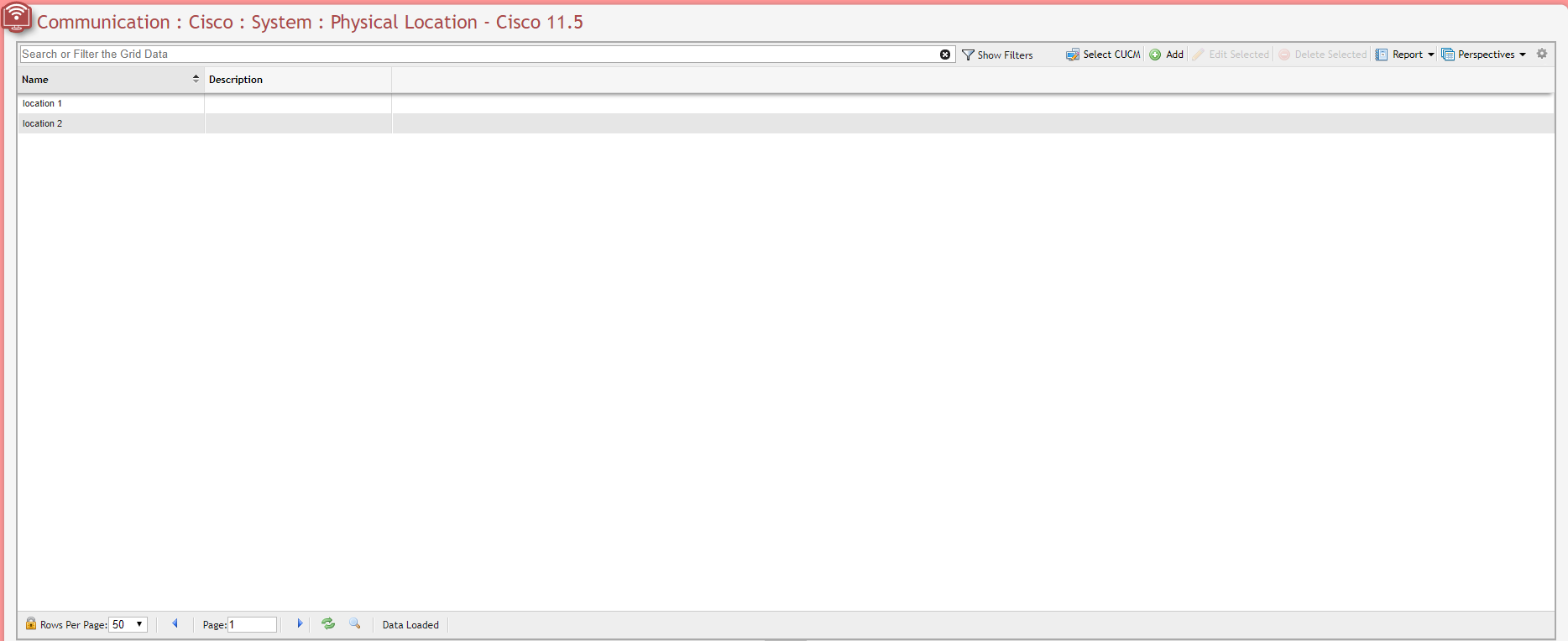
Unknown Attachment
MLPP
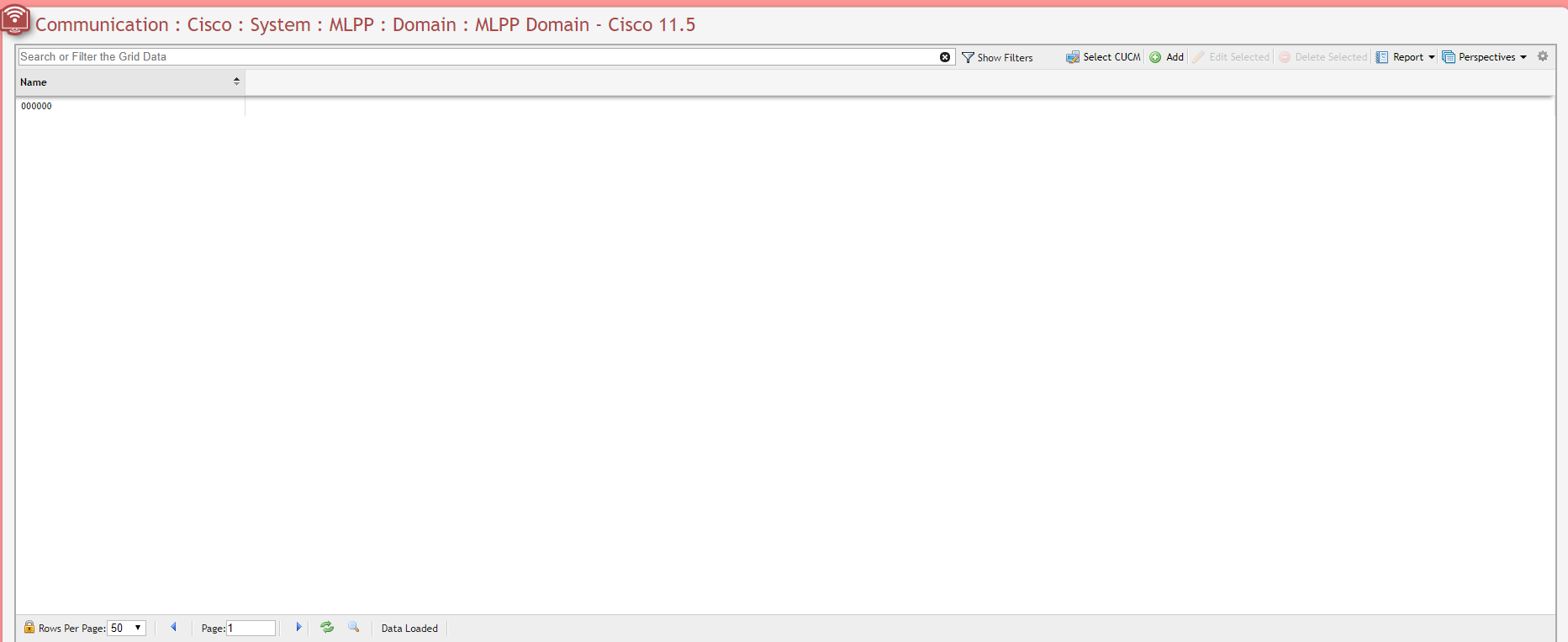
Unknown Attachment
Security
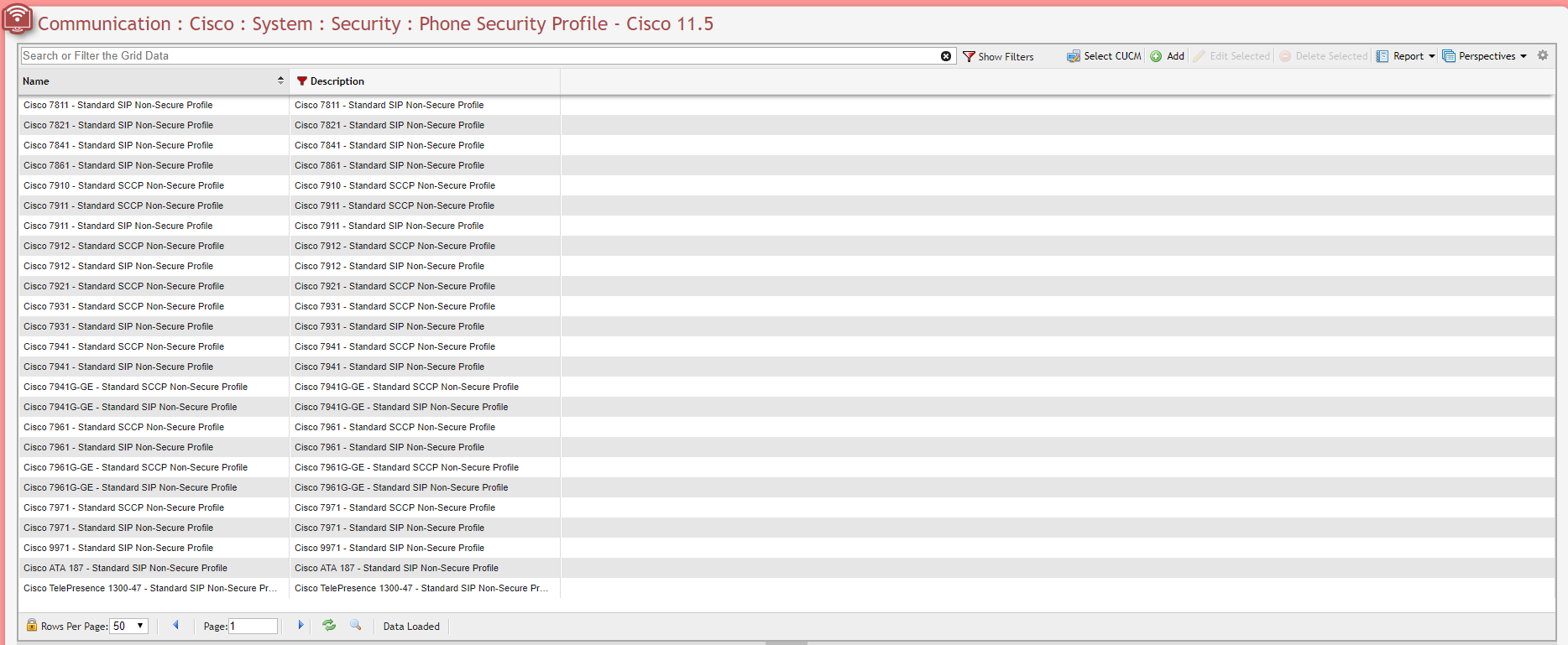
Unknown Attachment
Geolocation Configuration
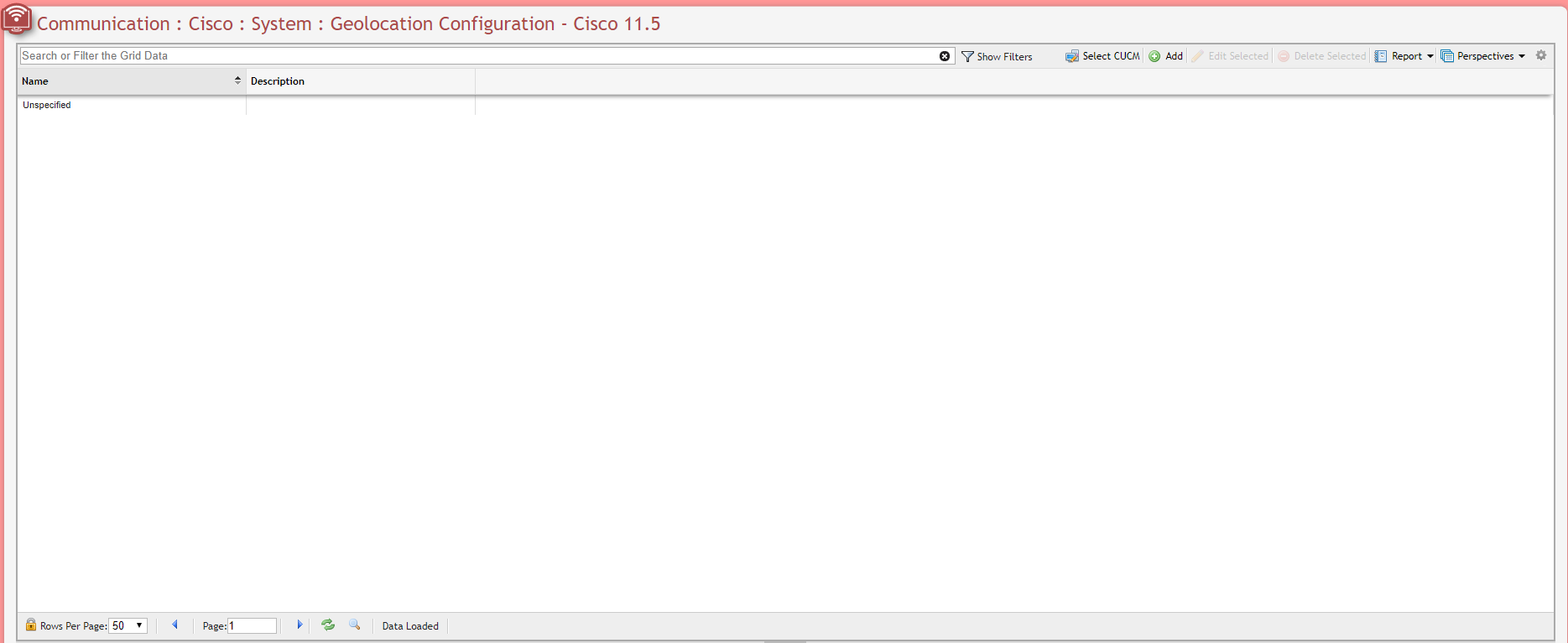
Unknown Attachment
Call Routing
AAR Group
Unknown Attachment
Intercom
Route Partition
Unknown Attachment
Calling Search Space
Unknown Attachment
Directory Number
Unknown Attachment
To updated multiple records at once, select the desired records from the Grid, then click the 
Unknown Attachment
Click the 
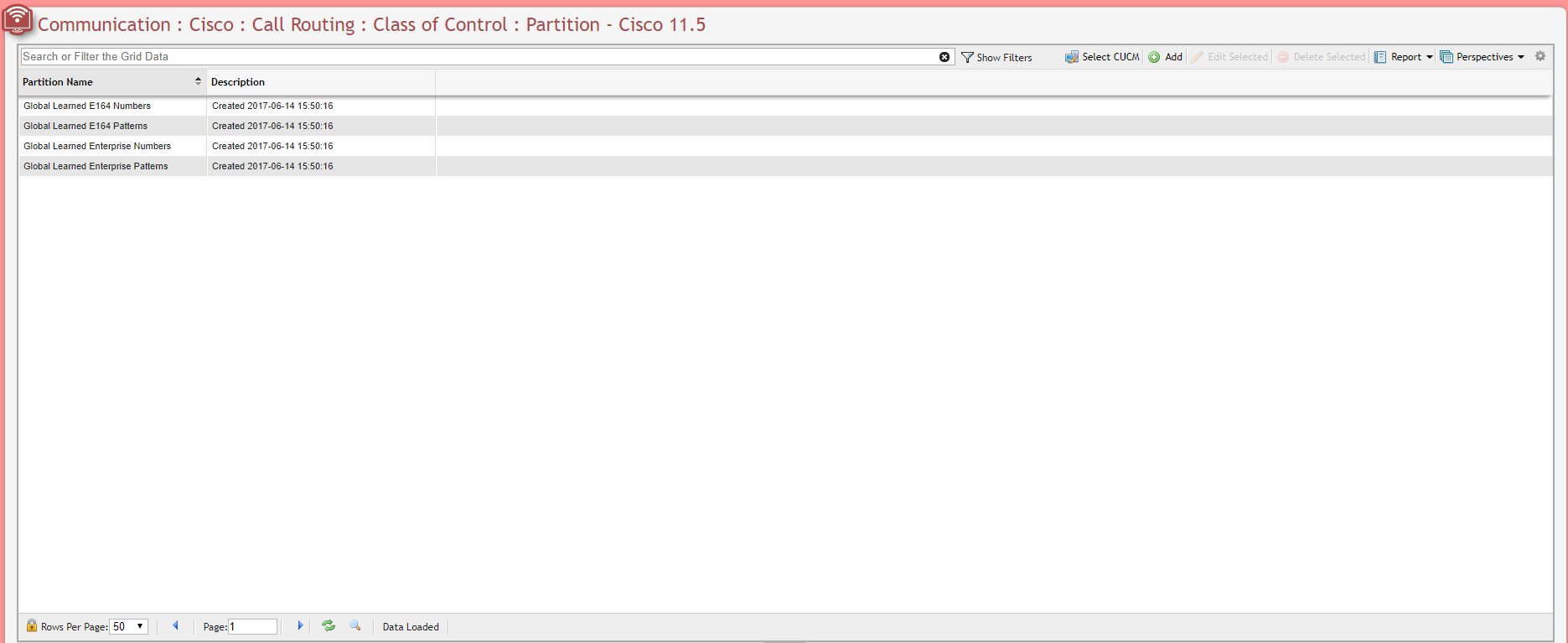
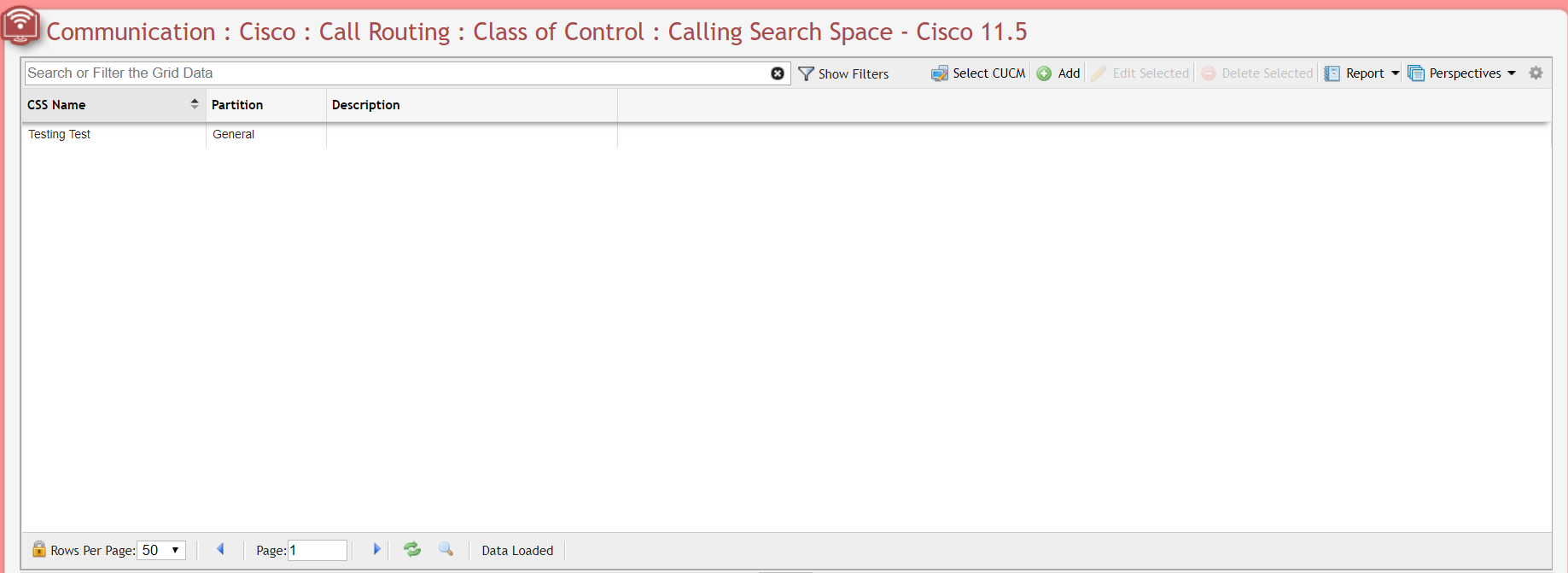
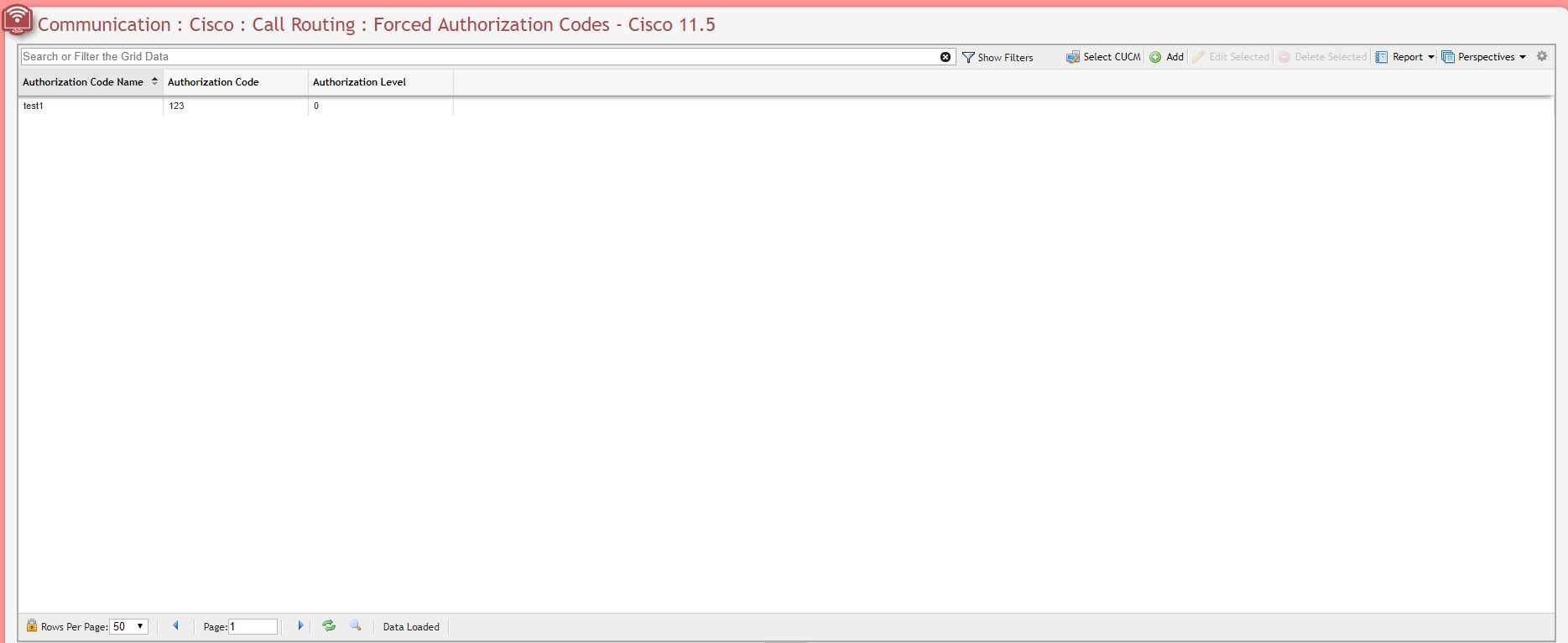
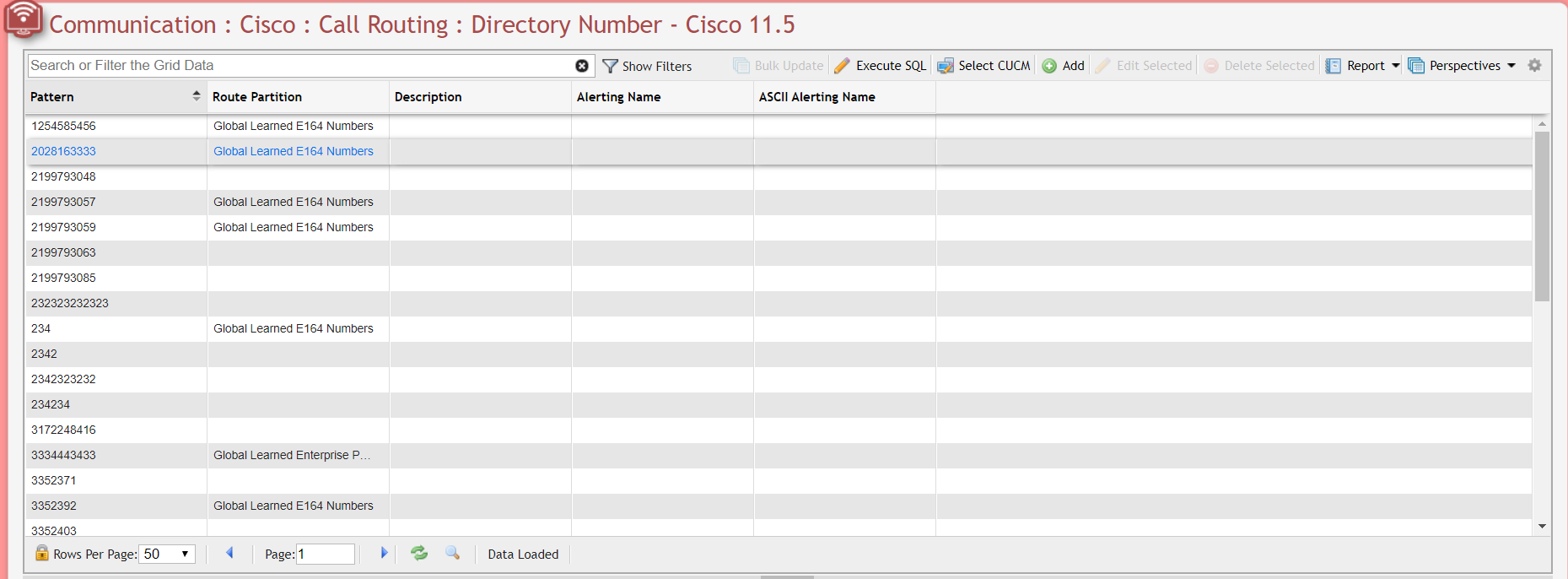
Class of Control
Partition
Unknown Attachment
Calling Search Space
Unknown Attachment
Forced Authorization Codes
Unknown Attachment
Directory Number
Unknown Attachment
To updated multiple records at once, select the desired records from the Grid, then click the 
Unknown Attachment
Click the 
Advanced Features
Voice Mail
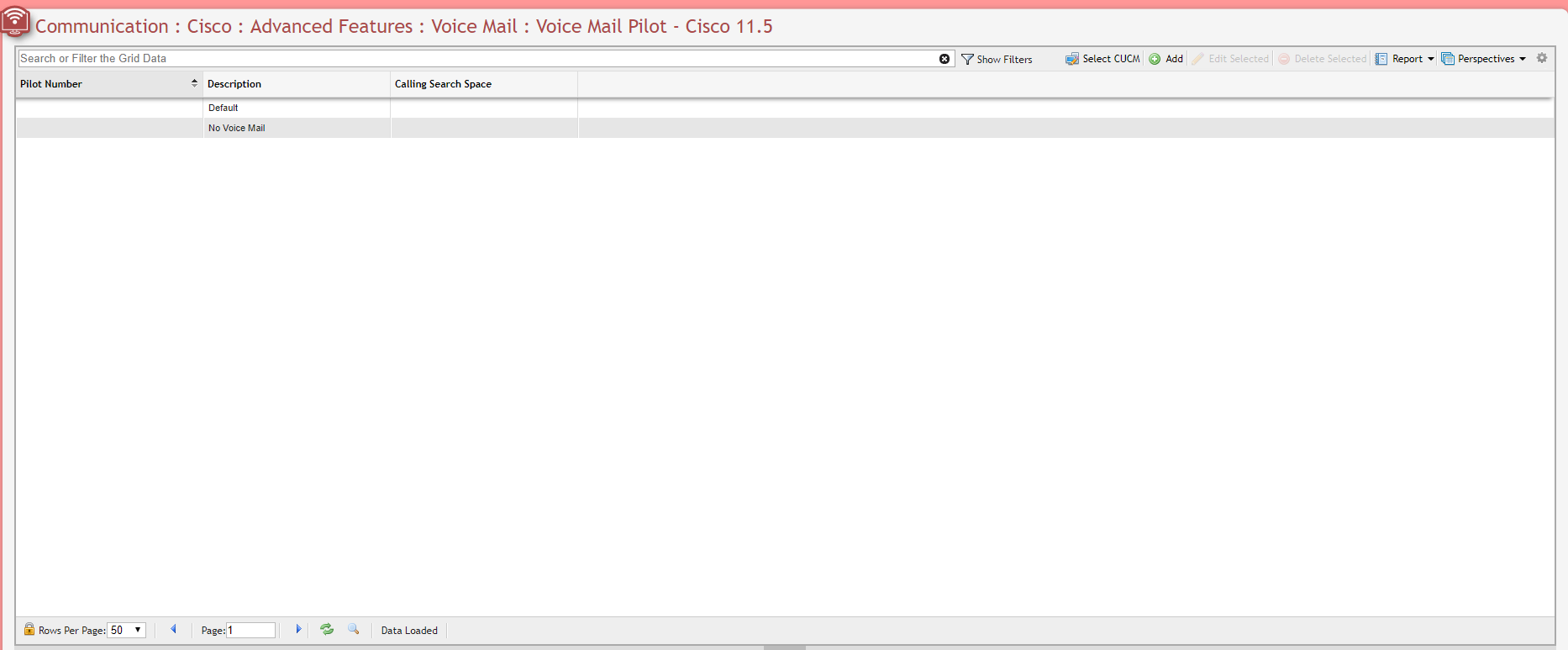
Voice Mail Pilot
Unknown Attachment
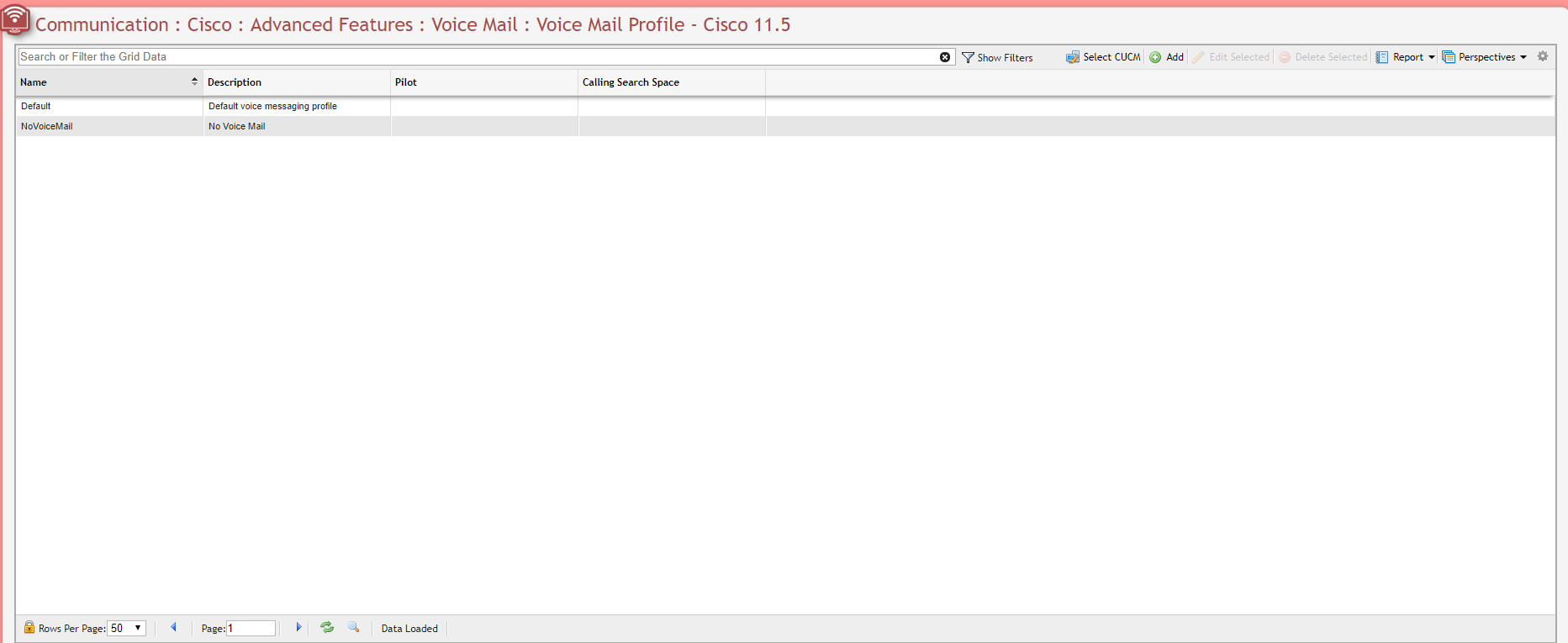
Voice Mail Profile
Unknown Attachment
SAF
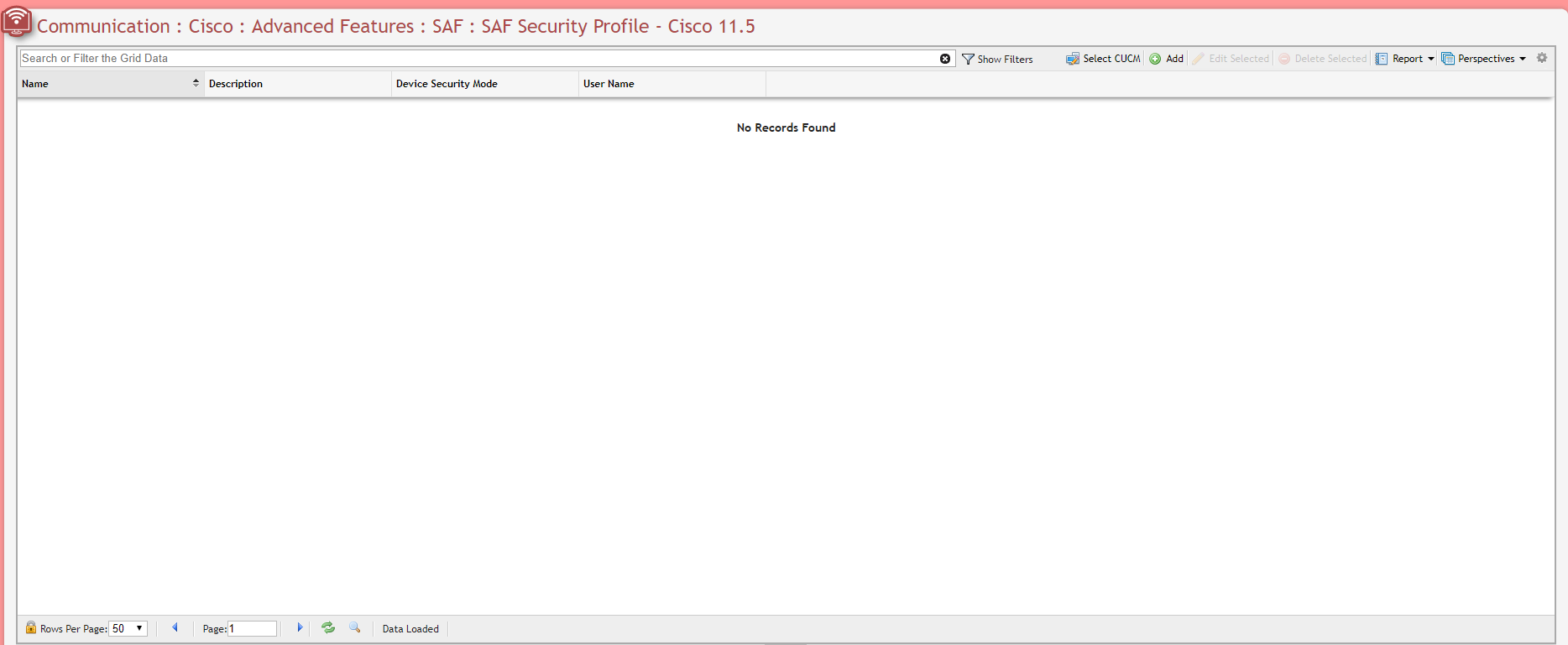
SAF Security Profile
Unknown Attachment
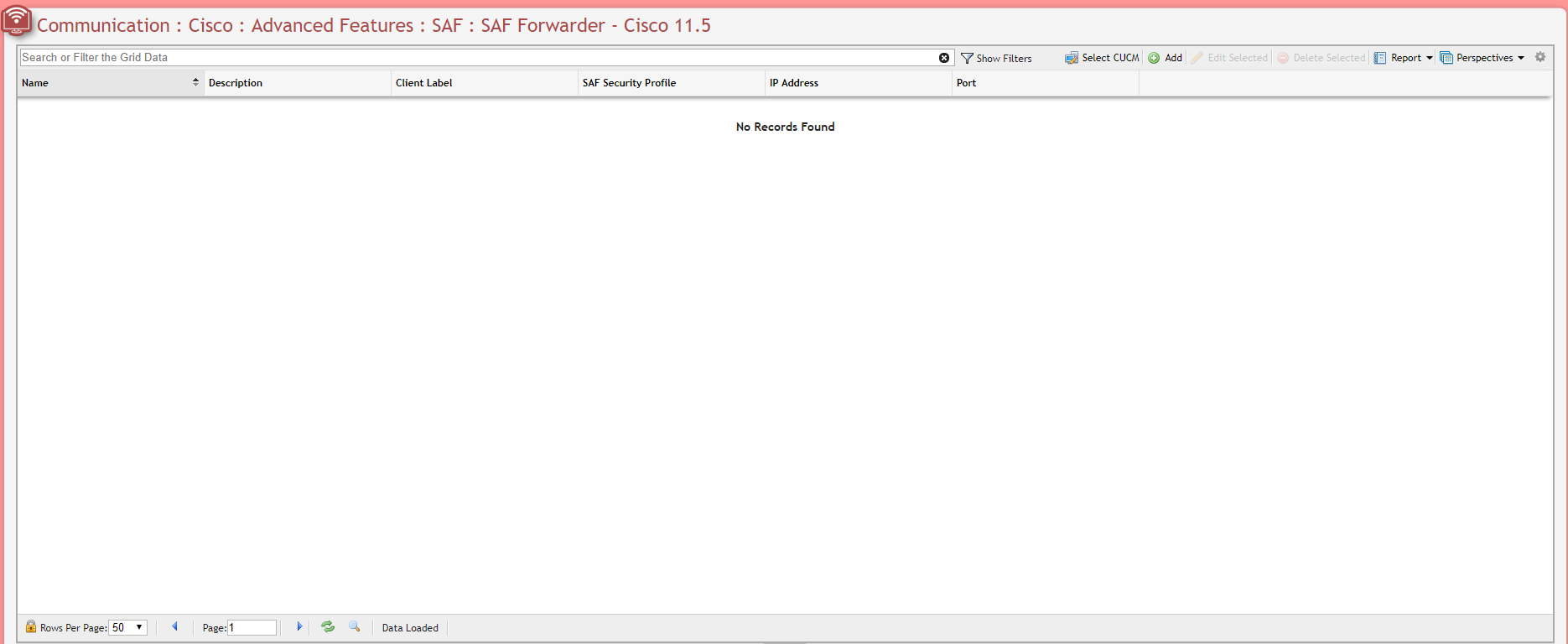
SAF Forwarder
Unknown Attachment
Device
Gateway
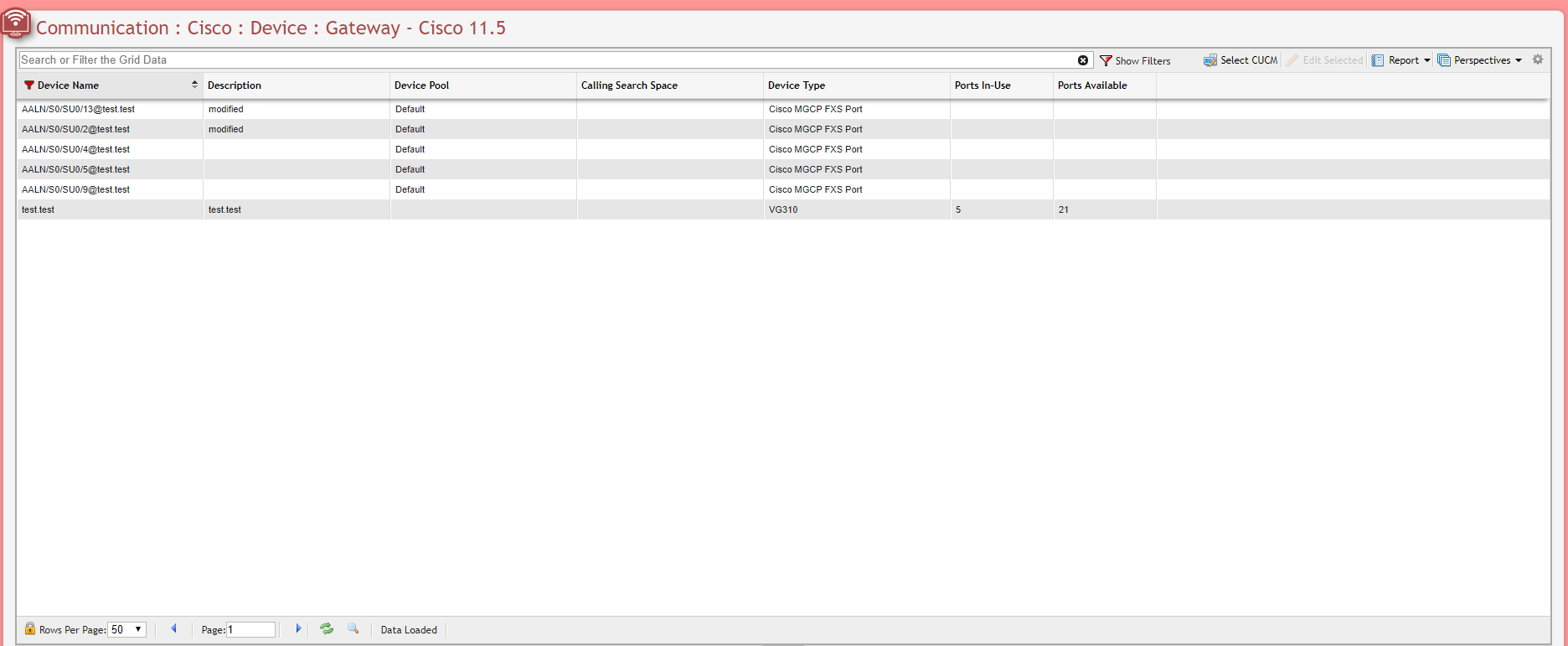
Unknown Attachment
Phone
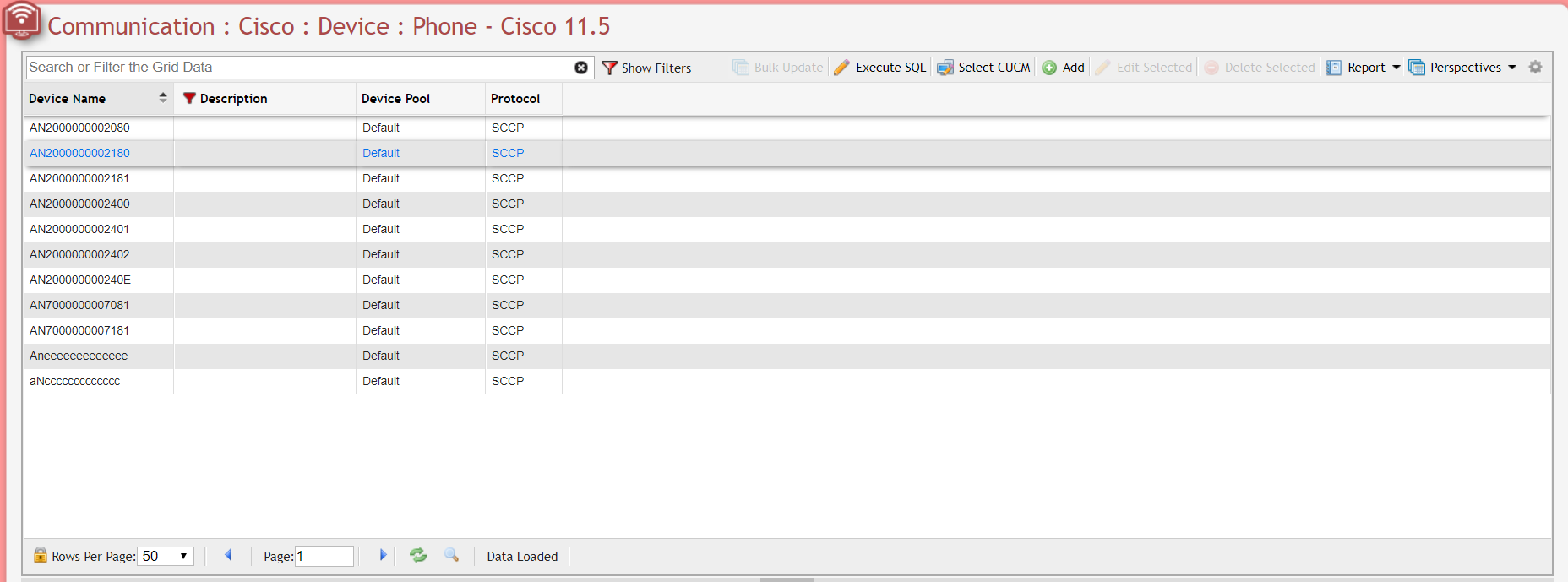
Unknown Attachment
To updated multiple records at once, select the desired records from the Grid, then click the
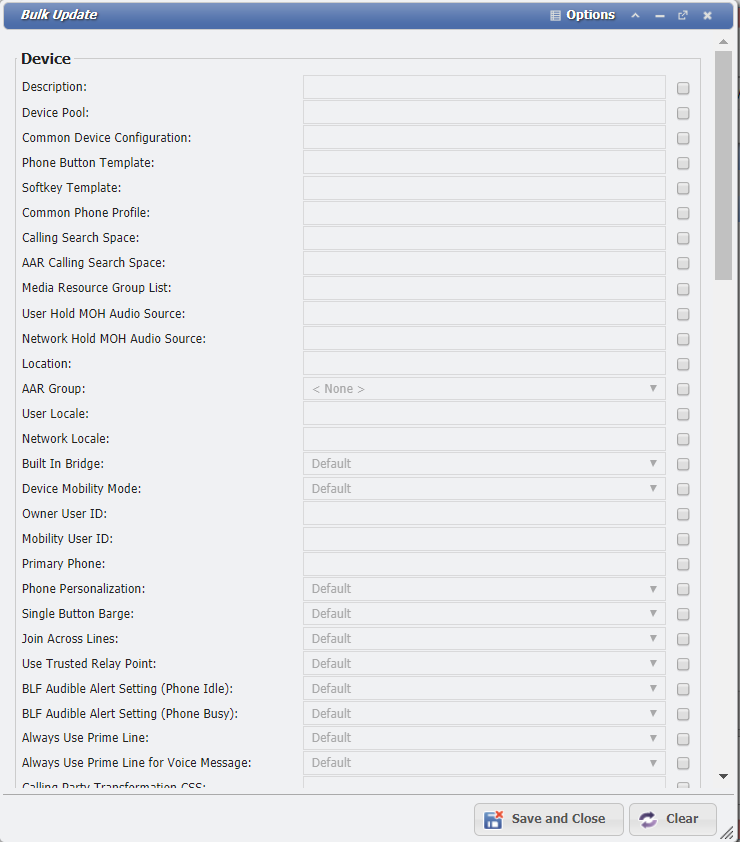
Click the 
Remote Destination
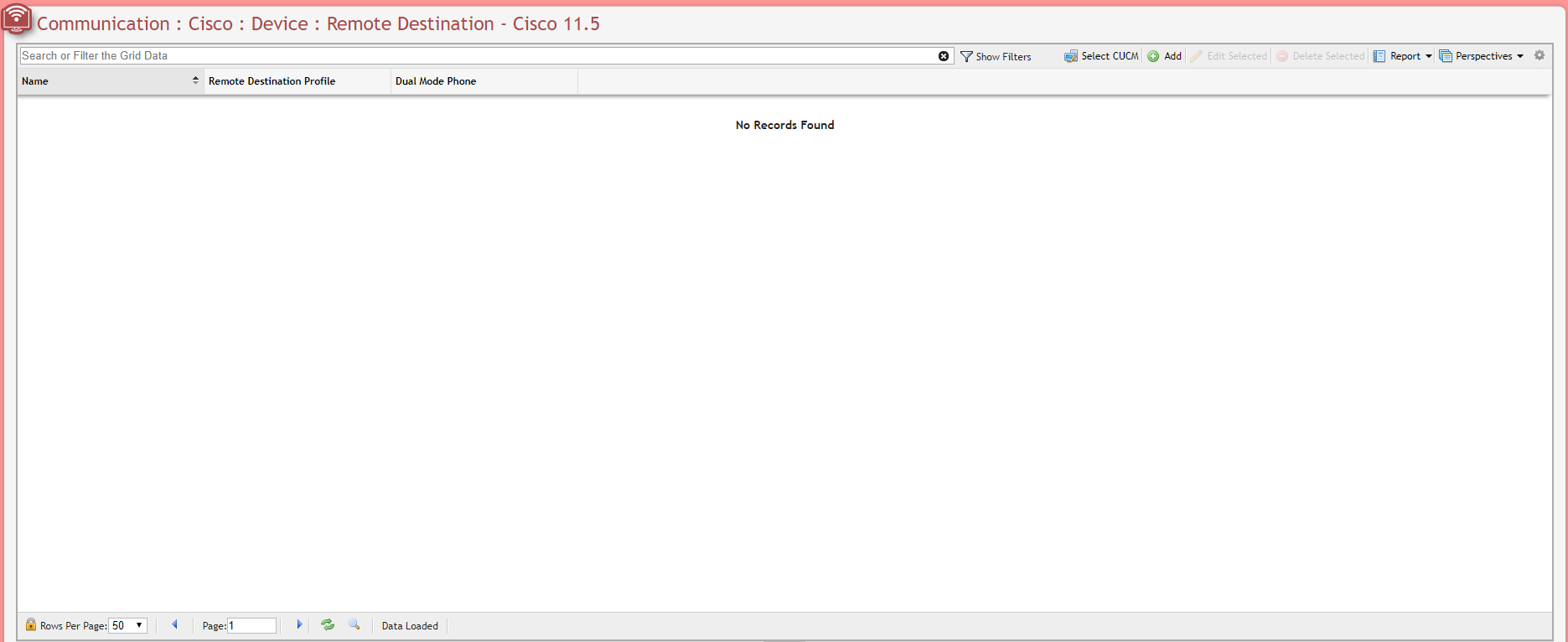
Unknown Attachment
Device Settings
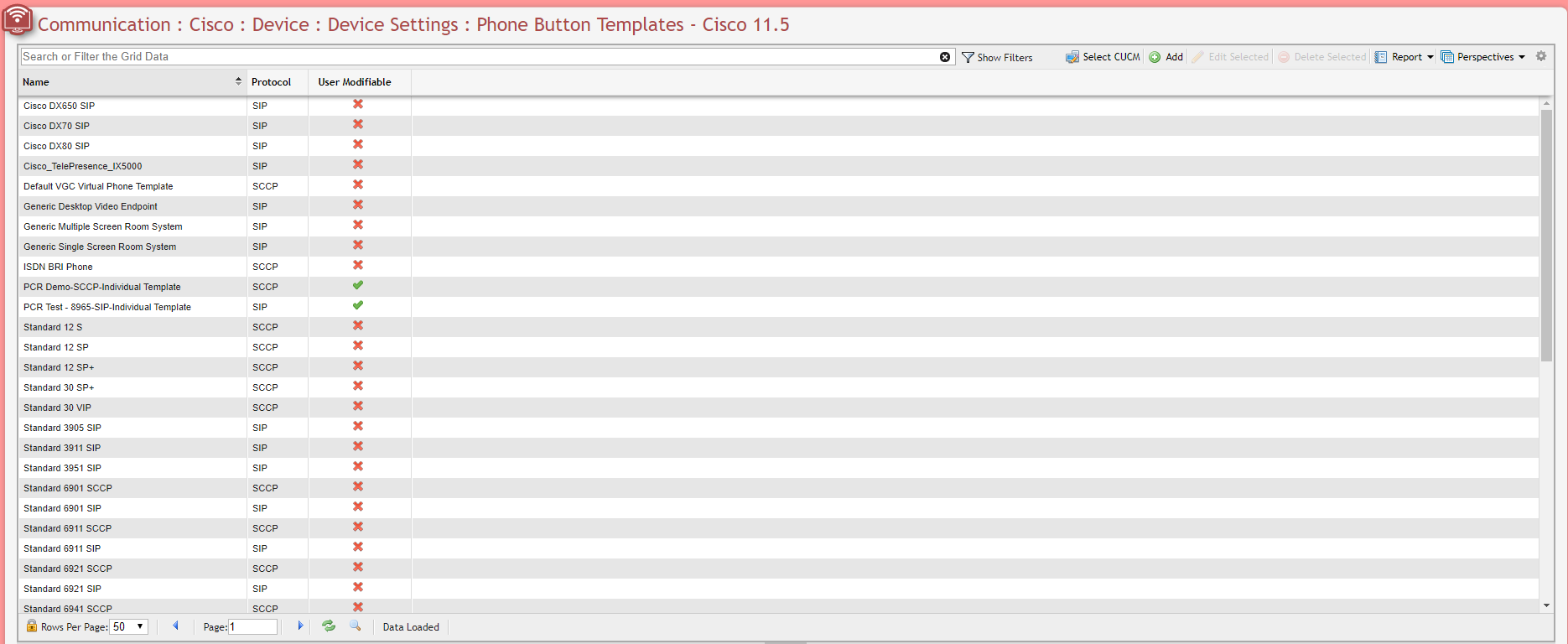
Phone Button Templates
Unknown Attachment
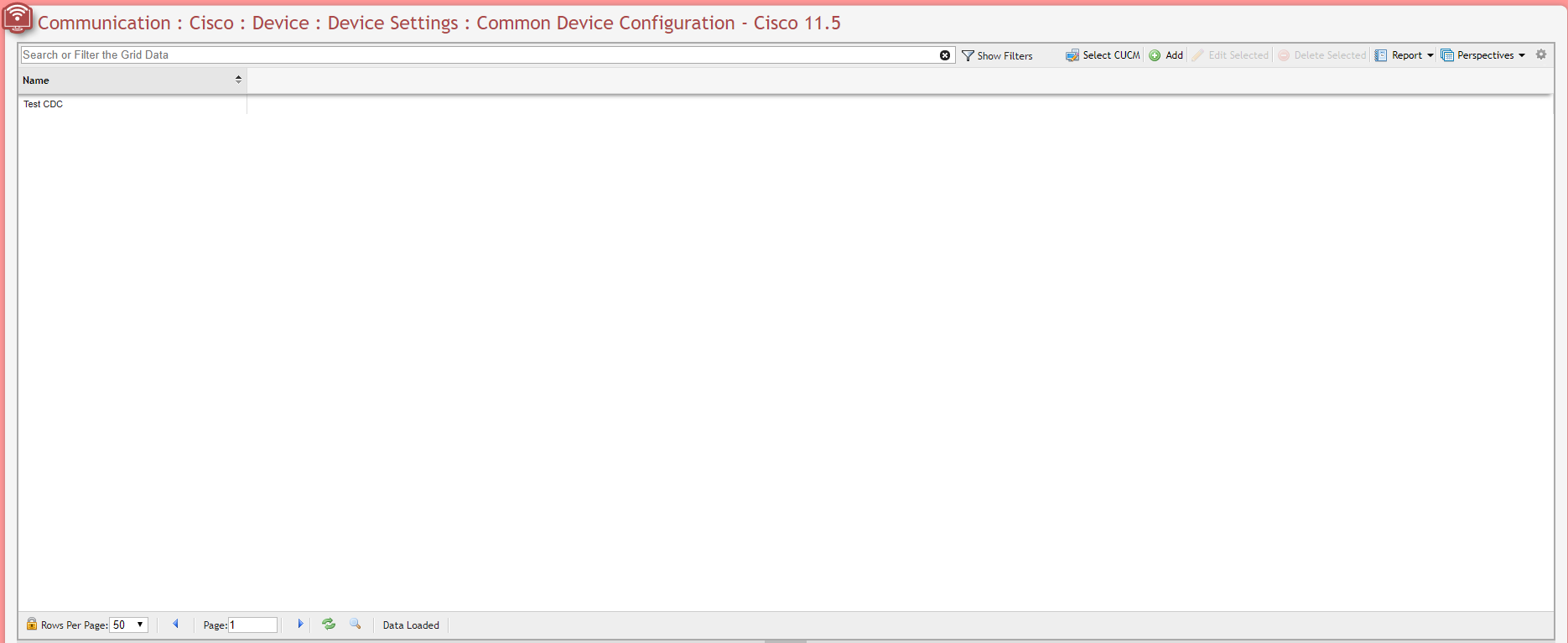
Common Device Configurations
Unknown Attachment
Device Defaults
Unknown Attachment
Device Defaults are specific Service Host Type, not a specific Service Host.
Analog Endpoint
Analog Phone
User Management
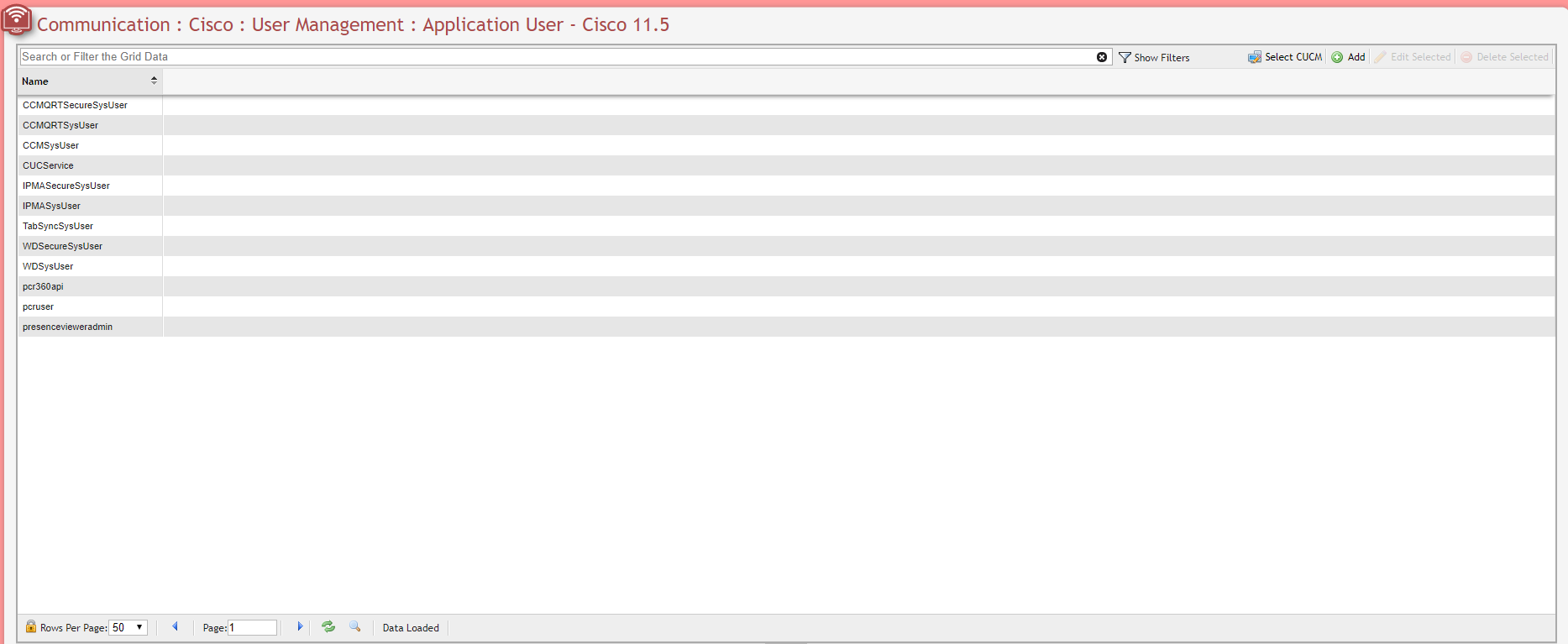
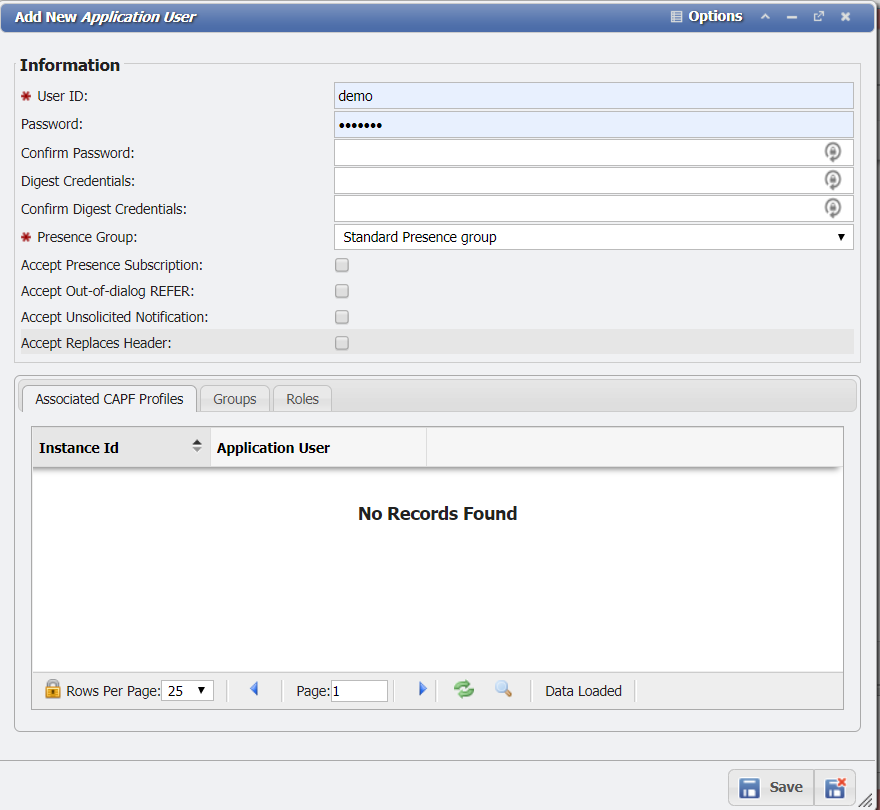
Application User
End User
User Group
SIP Realm
Audit Log
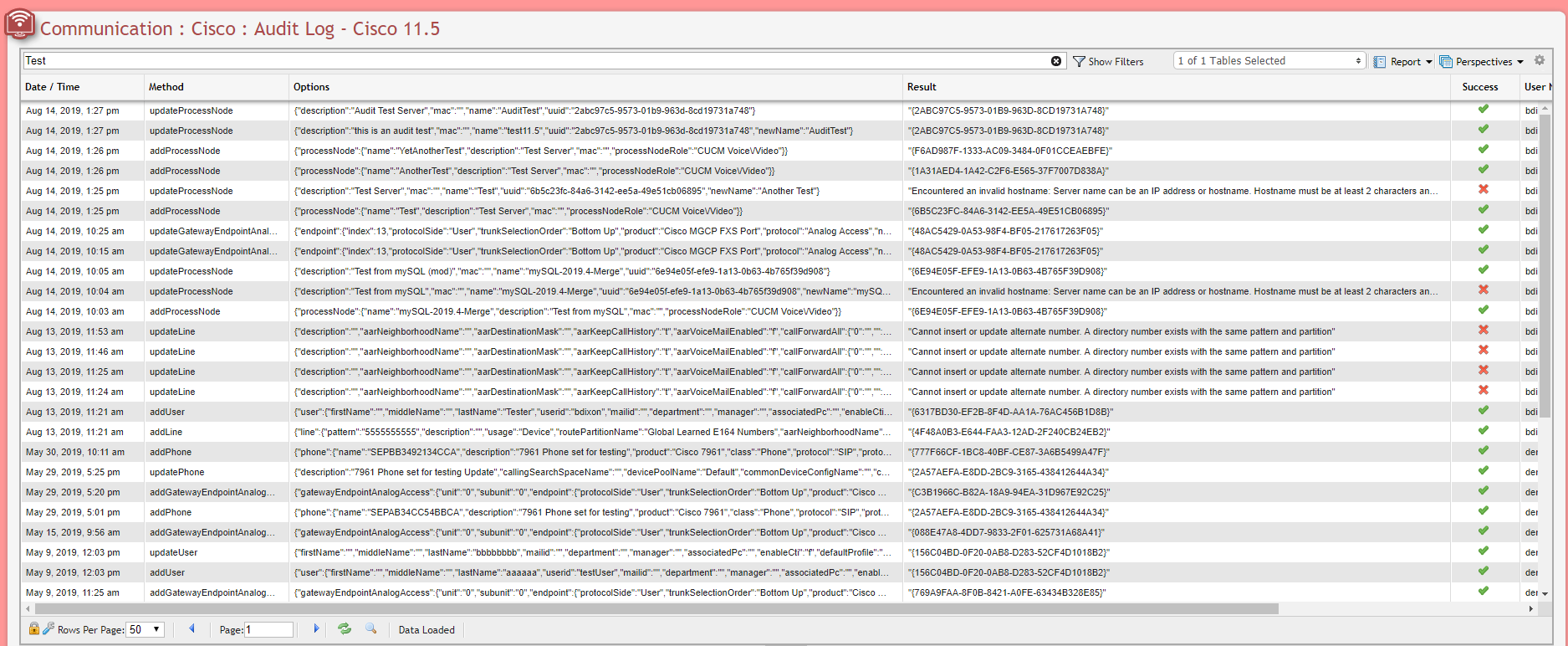
The Cisco 'Audit Log' is the primary reason to utilize the Cisco Switch Interface within PCR-360. By use of the Audit Logs, a User is able to see what updates were performed when, and who made them.
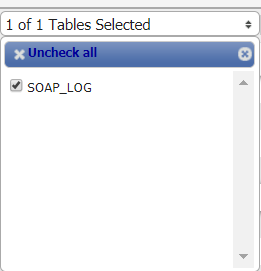
When numerous records are created, PCR-360 begins an archiving process to store the older records into other tables to improve performance. To access archived records use the Table Selector field on the grid header.
Cisco Switch Interfacing with Service Desk
A 'Service' with the Service Host of Cisco and a Pending Service Order for the Service are Required to perform the following Action.
Service Desk can appropriate a number of different types of items on the Cisco switch:
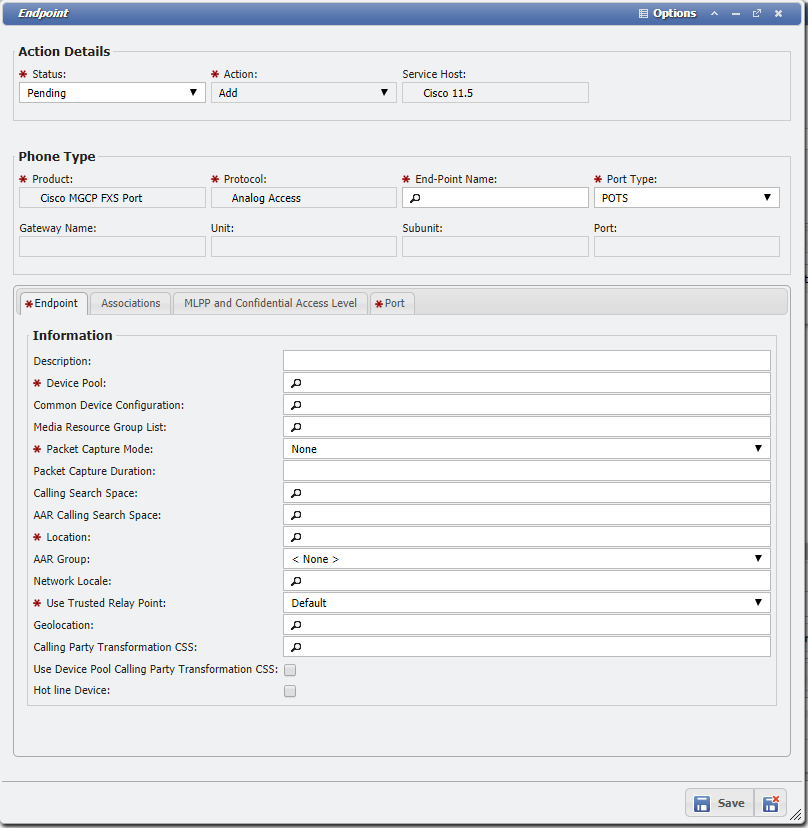
'Analog Endpoints' and 'Analog Phones'
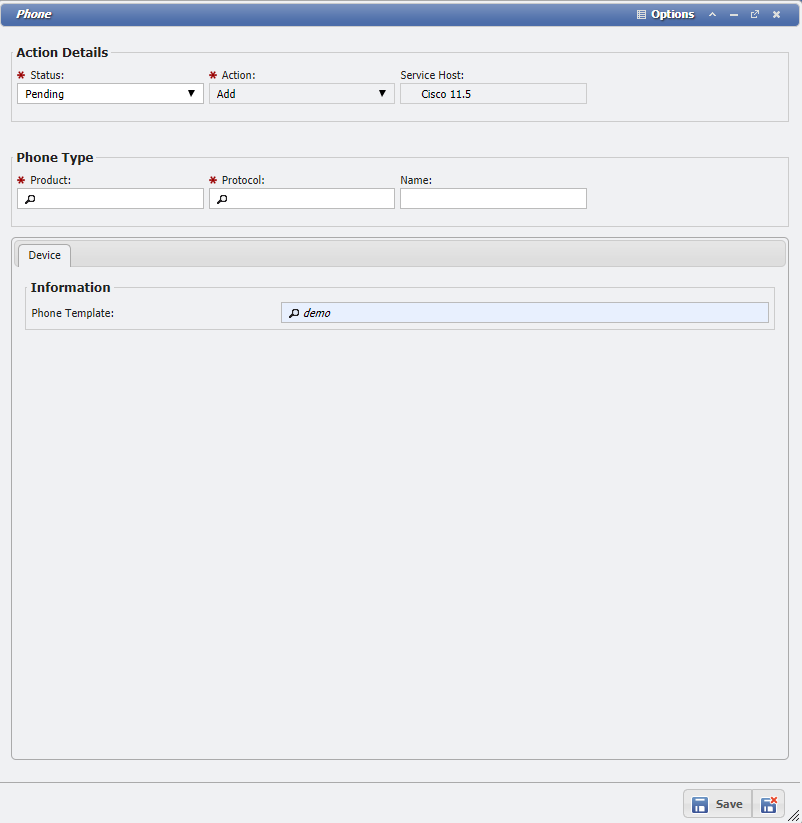
'Devices'
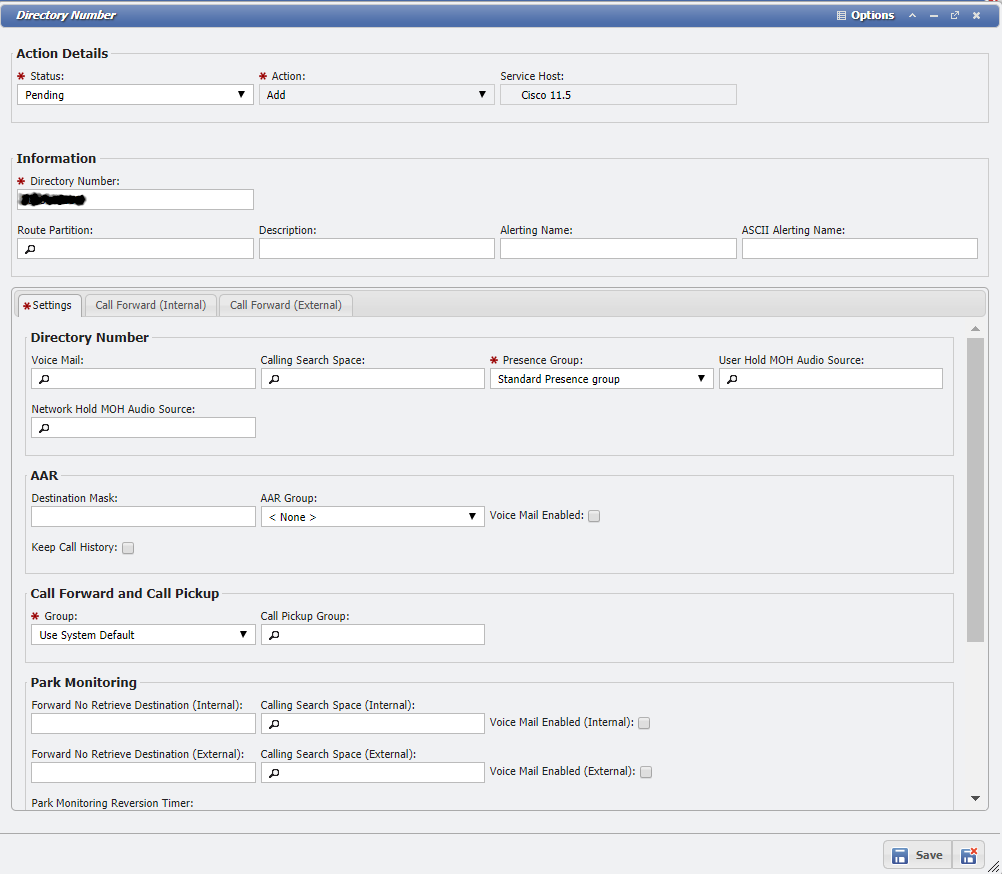
'Directory Numbers'
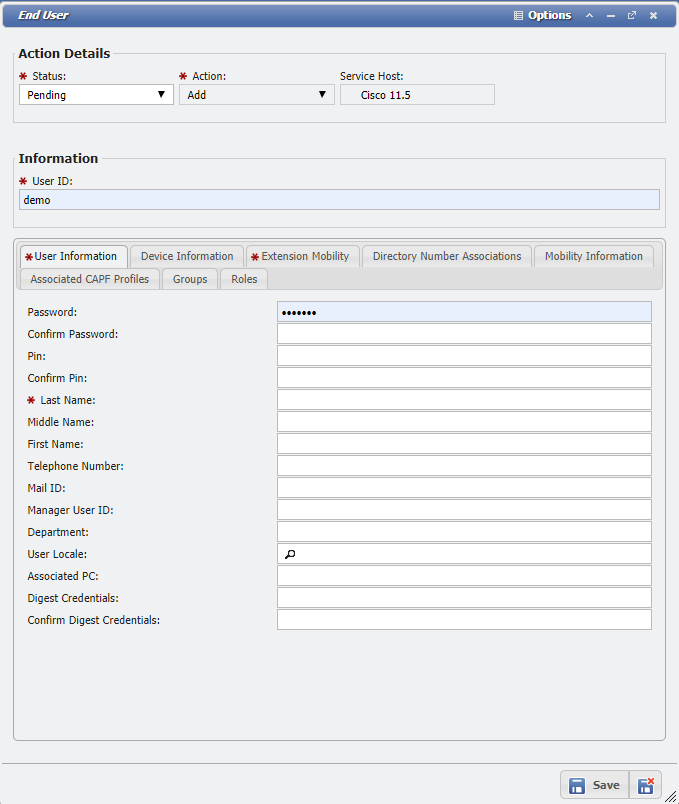
'End Users'
'Forced Authorization Code'
Unknown Attachment
Add Item
When adding new Analog Endpoints and Analog Phones, depending on the CISCO_AUTO_ASSIGN_ENDPOINT configuration, the Endpoint will be automatically assigned depending on available Servicing Equipment for the Service Desk Action's Location.
If a new item is needed to be provisioned on the switch, perform the following actions:
-
Add an Action of type: Miscellaneous within Service Desk, for the desired Service.
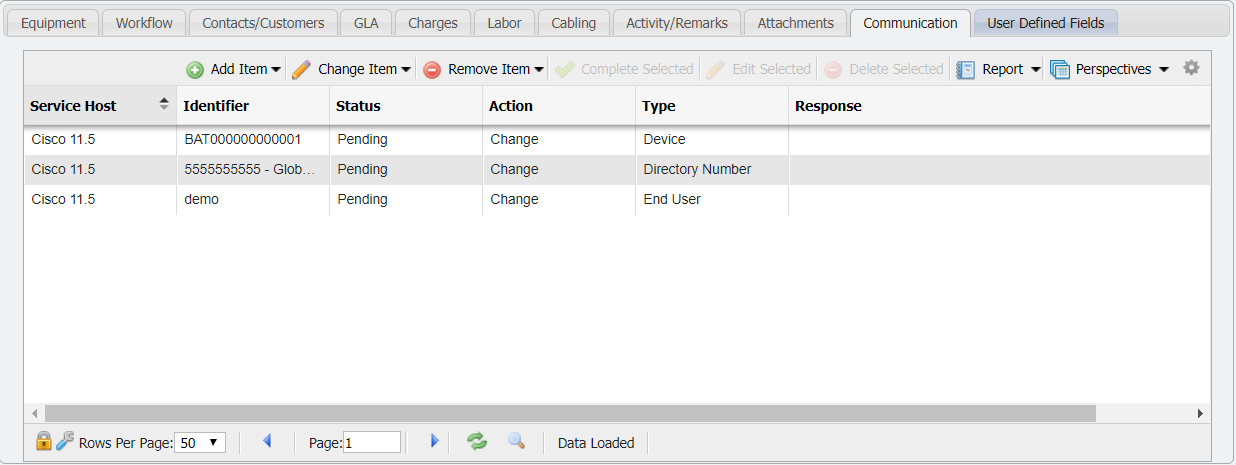
Service Desk Action - Communication Tab example -
On the Communication Tab of the Service Order Action, click the
-
From the dropdown menu of the button, select the type of Item desired.
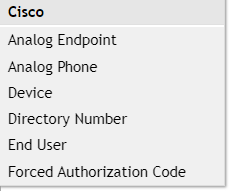
Cisco SD Communication Menu -
Fill out the details for the selected item.
-
'Complete' the Service Order to persist the change throughout PCR-360 and the switch.
Change Item
If an existing item is needed to be updated on the switch, perform the following actions:
-
Add an Action of type: Miscellaneous within Service Desk, for the desired Service.
Service Desk Action - Communication Tab example -
On the Communication Tab of the Service Order Action, click the
-
From the dropdown menu of the button, select the type of Item desired.
Cisco SD Communication Menu -
Select the existing item from the form.
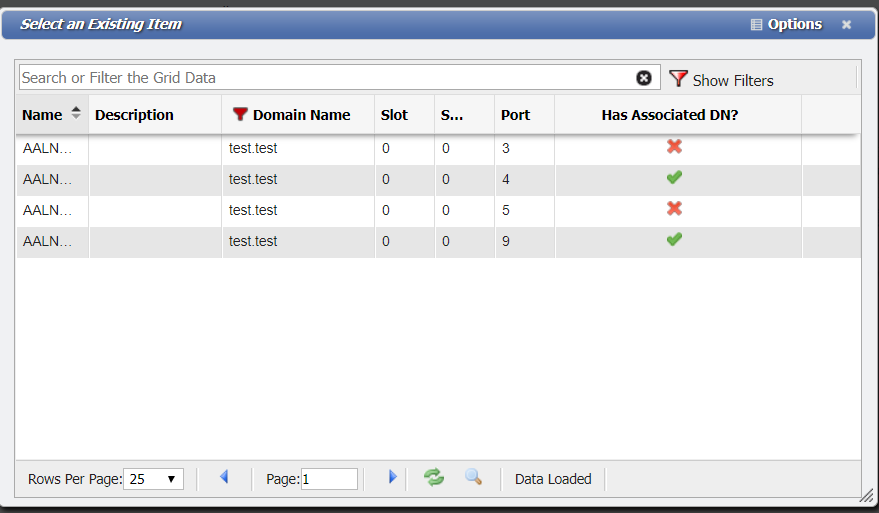
Select an Existing Item form example -
Fill out the details for the selected item.
-
'Complete' the Service Order to persist the change throughout PCR-360 and the switch.
Remove Item
If an existing item is needed to be removed from the switch, perform the following actions:
-
Add an Action of type: Miscellaneous within Service Desk, for the desired Service.
Service Desk Action - Communication Tab example -
On the Communication Tab of the Service Order Action, click the
-
From the dropdown menu of the button, select the type of Item desired.
Cisco SD Communication Menu -
Select the existing item from the form.
Select an Existing Item form example -
'Complete' the Service Order to persist the change throughout PCR-360 and the switch.