
Addresses
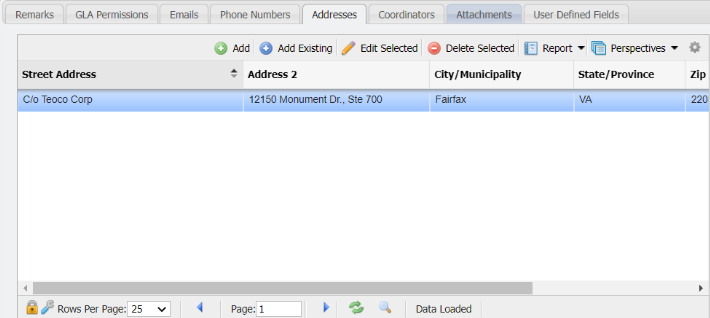
The 'Addresses' tab will associate an Address to the Contact record.
-
Click the

-
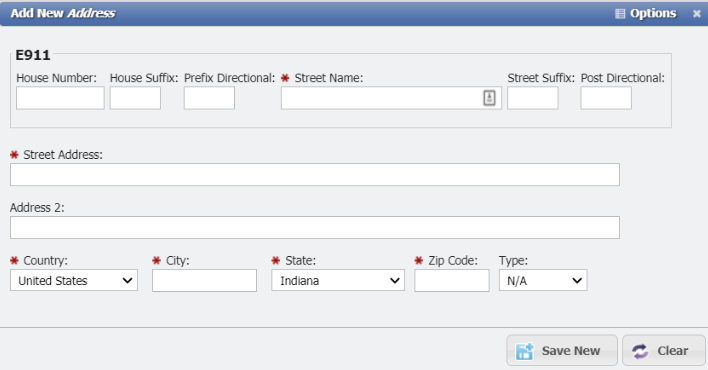
This will open the 'Add New Address' form.
-
Enter the 'Street Address', 'City', 'State', and 'Zip'. Each of these fields are required.
-
Select the 'Type' if one is desired.
-
If the Address should show in the Directory select the 'Directory' checkbox.
-
Click the

The Address will now reflect in the grid on the Addresses tab.